In Summary
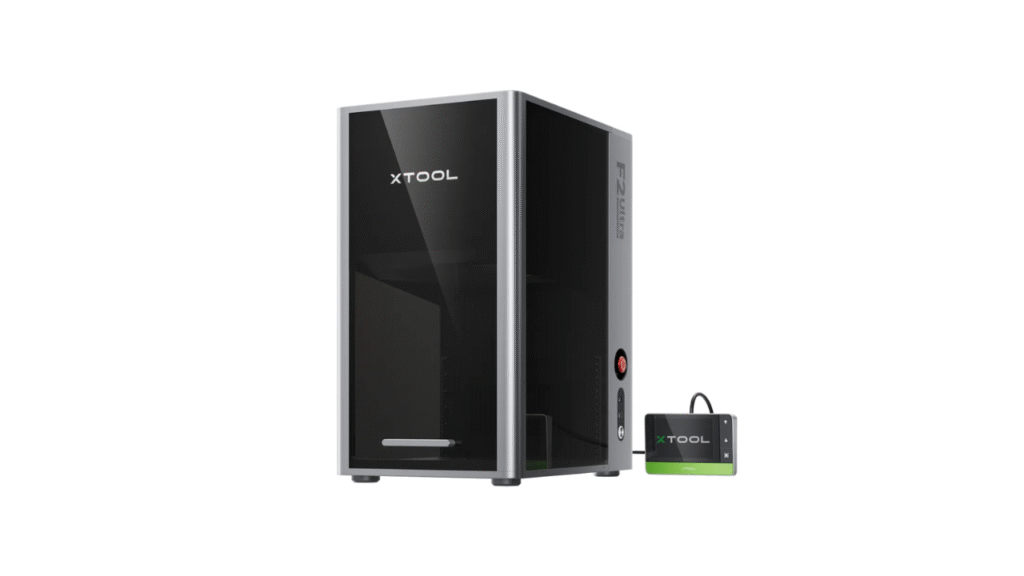
Laser engravers have become essential tools for makers, small business owners, and hobbyists alike. Among the rising stars in this space is the Xtool F1, a fast and portable laser engraver designed to handle a variety of engraving tasks with ease. But how does the Xtool F1 perform compared to similar products on the market?
Quick Summary: What Is Xtool F1?
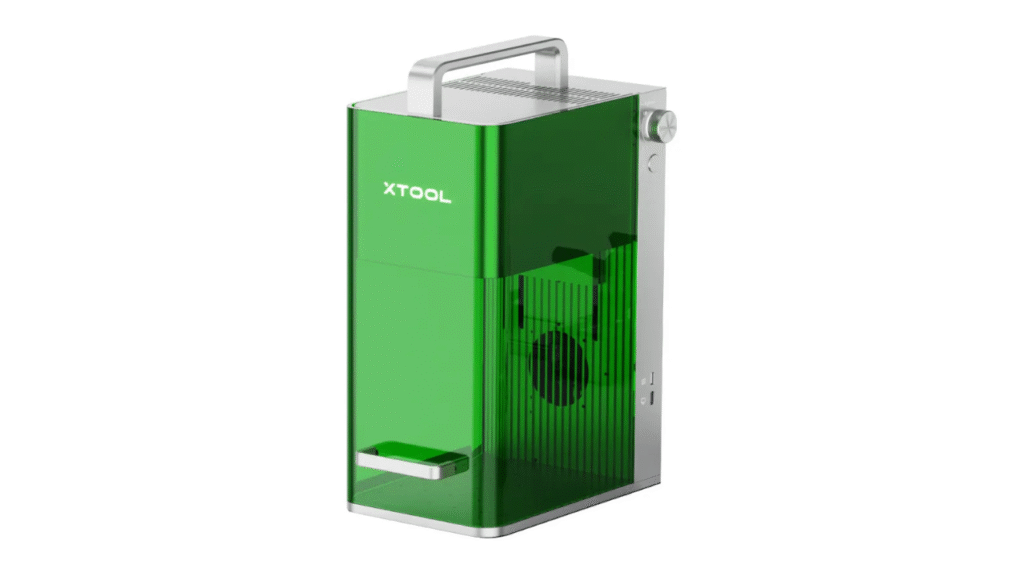
The Xtool F1 is a compact, fast, and portable laser engraver designed for ease of use and wide material support. It aims to balance power, accuracy, and convenience, making it suitable for creative projects, home workshops, and small business applications.
Key features include:
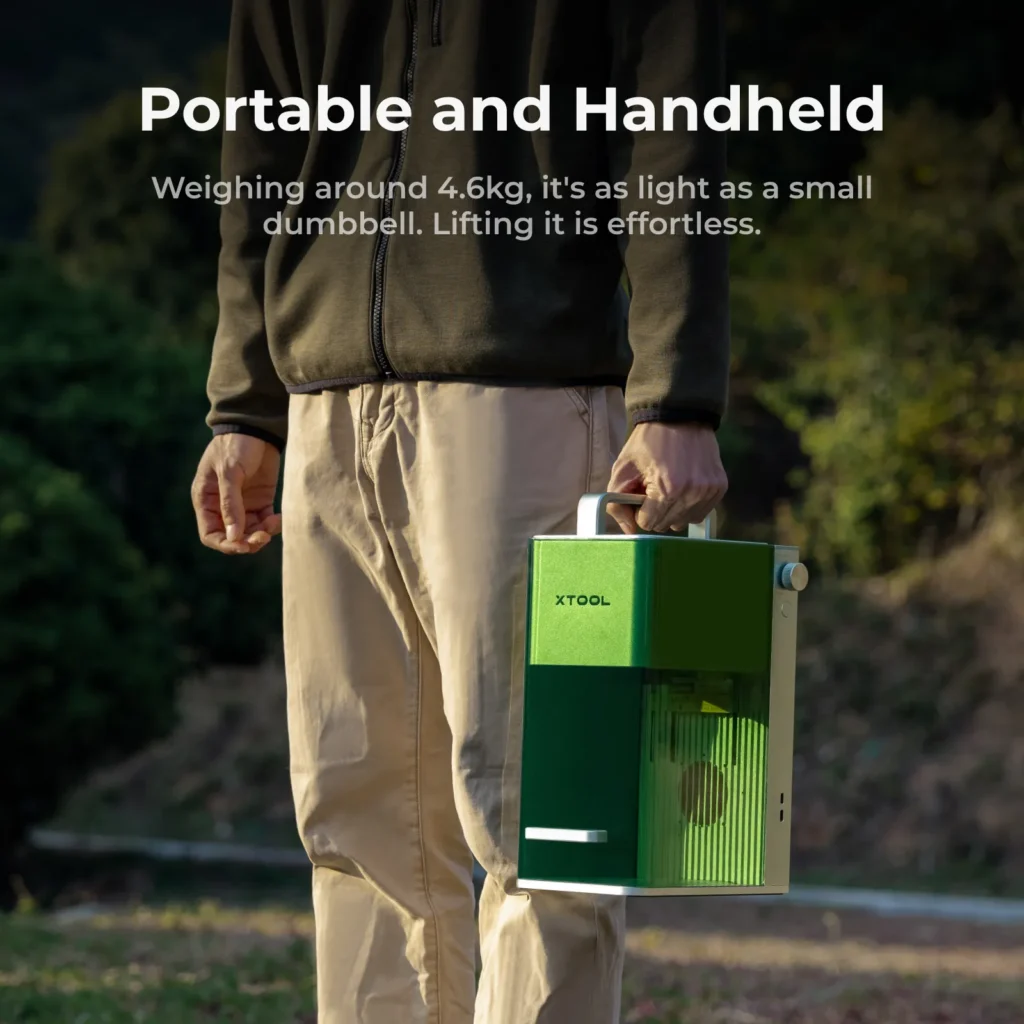
- Portable design
- Fast engraving speeds
- Good material versatility
- Beginner-friendly operation
Now let’s see how it compares with other models in similar segments.
1. Xtool F1 vs Ortur Laser Master 2 Pro
Ortur Laser Master 2 Pro Overview
The Ortur Laser Master 2 Pro is one of the most referenced diode laser engravers in hobbyist and semi-professional communities. Known for its wide working area and reliable performance, it’s often a first choice for newcomers.
Comparison Highlights:
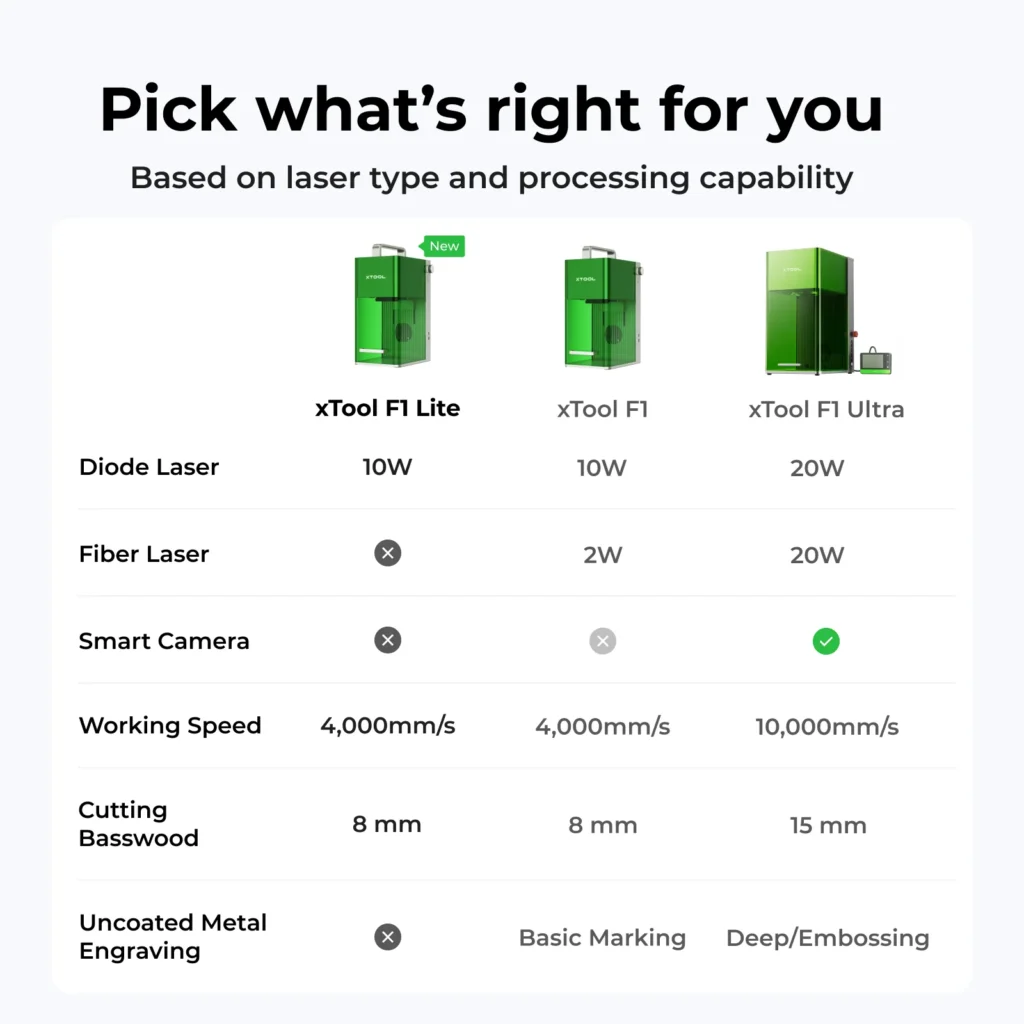
- Laser Type: Ortur typically uses a single diode laser module (~20W equivalent), while the Xtool F1’s exact configuration focuses on portability and balanced performance.
- Working Area: Ortur often offers a larger working area, making it suitable for big designs.
- Build & Stability: Both are sturdy, but Ortur’s open-frame design may vibrate more, especially on high-speed jobs.
Verdict:
The Xtool F1 wins in portability and ease of use, while the Ortur Laser Master 2 Pro offers a larger workspace at a similar price point. If you prioritize compact size and modern features, the Xtool F1 stands out. For bigger projects, Ortur might be a better fit.
2. Xtool F1 vs Atomstack A5 Pro
Atomstack A5 Pro Overview
The Atomstack A5 Pro is known for a solid performance with adjustable focus and decent material support. It sits comfortably in the same category as the Xtool F1.
Comparison Highlights:
- Laser Output: Atomstack often features a high-power diode laser (~20W), similar to many competitive models.
- Material Support: Both handle wood, acrylic, leather, and similar materials well.
- Precision: Xtool F1’s modern optics and motion design give it an edge in precision and edge clarity.
Verdict:
While both machines serve the same general audience, the Xtool F1 typically offers a higher perceived build quality and smoother motion, especially for fine engraving details. Atomstack A5 Pro remains a strong choice if your focus is basic wood and acrylic engraving without deeper precision needs.
3. Xtool F1 vs Snapmaker 2.0 (Laser Module)
Snapmaker 2.0 Overview
Snapmaker 2.0 is a modular tool that combines laser engraving with 3D printing and CNC carving. Its laser module (which can be added separately) provides engraving functionality alongside the other modes.
Comparison Highlights:
- Multi-Tool Capabilities: Snapmaker’s strength lies in its 3-in-1 design — 3D printing, laser, and CNC.
- Laser Module Power: Snapmaker’s laser module is typically less powerful than dedicated engravers, focusing on mid-range engraving tasks.
- Build & Precision: Snapmaker’s larger frame can provide stable motion, but it is heavier and less portable.
Verdict:
If you want all-in-one versatility beyond laser engraving, the Snapmaker 2.0 is compelling. But for dedicated laser engraving — especially in a portable setup — the Xtool F1 shines brighter, offering more focused performance.
4. Xtool F1 vs Glowforge Basic
Glowforge Basic Overview
The Glowforge Basic is a desktop CO₂ laser engraver with stronger cutting capabilities and deeper material penetration than most diode lasers.
Comparison Highlights:
- Laser Power: Glowforge uses a CO₂ laser, which is more powerful and can cut thicker materials cleanly — something diode systems struggle with.
- Material Range: Glowforge supports wood, acrylic, leather, and engraved glass, sometimes even thicker materials, albeit at a higher cost.
- Price Point: Glowforge sits significantly higher in price compared to the Xtool F1.
Verdict:
The Xtool F1 wins on price, portability, and simplicity. But if your goal is deep cutting and industrial-grade capacity, a CO₂ system like Glowforge may be worth the investment — albeit at a much higher price.
5. Xtool F1 vs BobsCNC with Laser Add-On
BobsCNC Overview
BobsCNC CNC routers with laser add-ons are popular DIY solutions; however, the laser modules tend to be lower-powered and less precise.
Comparison Highlights:
- Laser Power: Add-on optics often underperform compared to dedicated units like F1’s modern diode system.
- Assembly: BobsCNC typically requires more setup and calibration.
- Versatility: CNC nodes add cutting and milling, but the laser portion is not optimized.
Verdict:
For dedicated engraving needs with minimal fuss, the Xtool F1’s turnkey design and portable footprint clearly outperform DIY systems with add-on lasers.
Why the Xtool F1 Still Stands Out
After comparing the Xtool F1 with several competitors in a similar price and performance bracket, a few strengths stand out:
1. Balanced Performance and Portability
Unlike some larger or bulkier models, the Xtool F1 strikes a strong balance between power and portability — making it ideal in small workshops, home studios, and shared creative spaces.
2. Precision and Build Quality
Compared with many single-laser competitors, the F1’s motion system, optics, and software integration yield smooth engraving paths and crisp details across different materials.
3. Versatile Material Support
The Xtool F1 handles a wide range of materials — wood, leather, acrylic, paper, plastic — with reliable results, matching or exceeding similarly-priced diode systems.
4. Ease of Use
Beginner-friendly software and less required calibration help the F1 stand out for users who want a “plug-and-play” engraving tool.
Who Should Choose Xtool F1?
The Xtool F1 is ideal for:
- Creative hobbyists who want a capable engraver without the size or complexity of larger machines
- Small business owners producing custom signs, gifts, or promotional items
- Users who need a balance of portability and performance
- People transitioning from entry-level lasers to more capable diode systems
It’s less suited for deep cutting of thick materials — a domain where CO₂ lasers outperform — but for everyday engraving needs, it’s consistently at the top of its class.
Final Verdict
When compared with similar laser engravers on the market, Xtool F1 stands out for its balanced performance, portability, and ease of use. It competes well with other portable diode engravers and offers advantages in precision and build quality that many rivals lack. Whether you’re engraving wood, leather, acrylic, or other common materials, the F1 provides a flexible and reliable solution without the higher cost or complexity of larger laser machines.
For makers, hobbyists, and small business owners seeking a blend of power, convenience, and performance, the Xtool F1 remains a compelling choice among peer products in its segment.
👉 Learn more about the product here:
xTool P2 vs. OMTech Polar: Which CO₂ Laser Cutter Is Worth It?
DIY Shopping Guide