In Summary
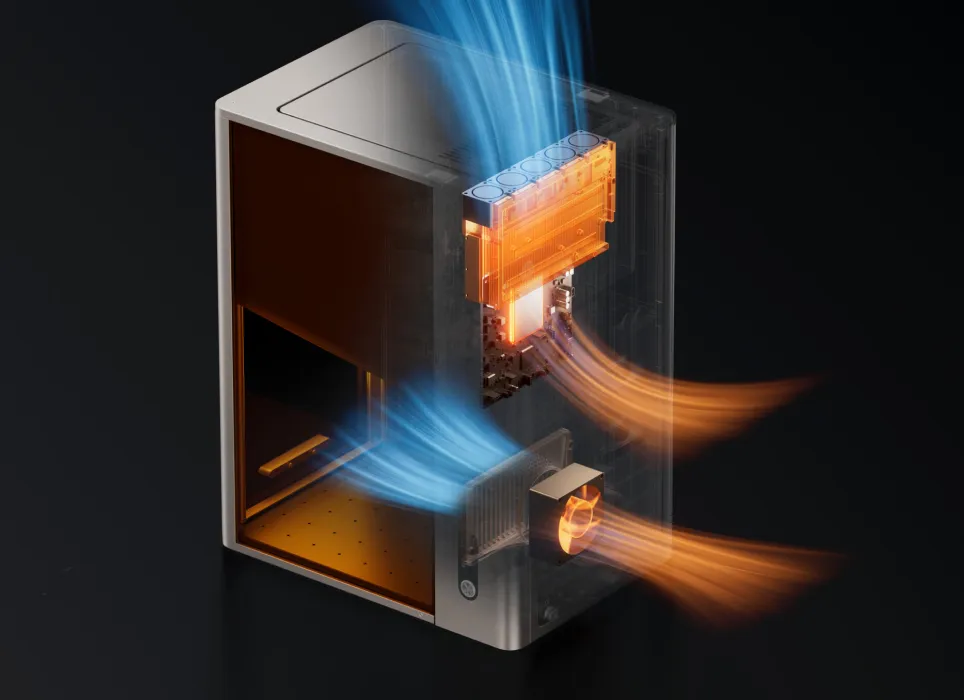
The xTool F2 Ultra is a UV laser engraver that stands out with its precision, material versatility, and professional-grade output. But in today’s competitive market, there are several alternatives at similar price points and with comparable capabilities. In this review, we’ll compare the xTool F2 Ultra with other laser engravers in its segment — helping you decide which best suits your needs, whether for creative projects, small business, or industrial marking.
Quick Summary: What Makes xTool F2 Ultra Special
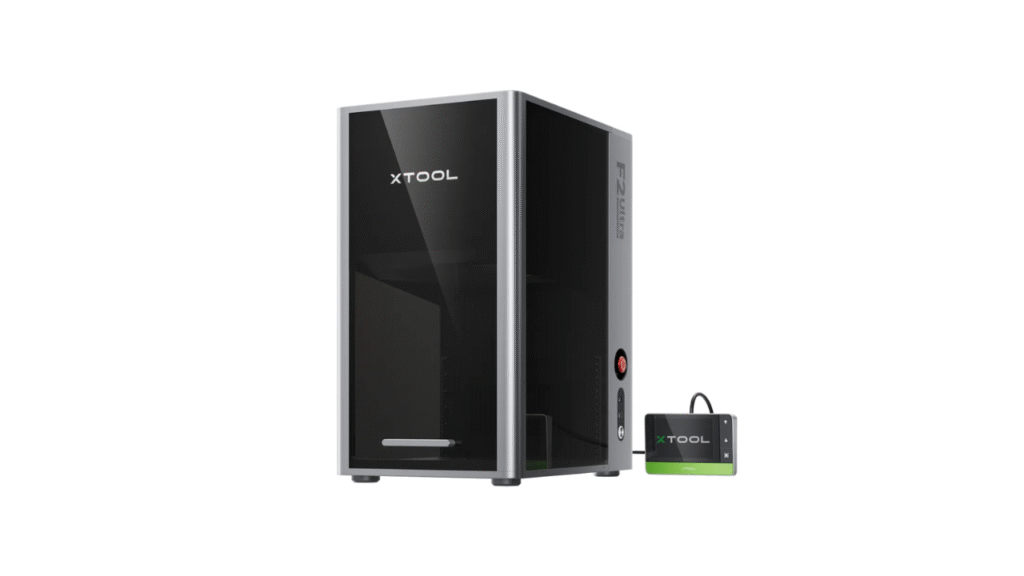
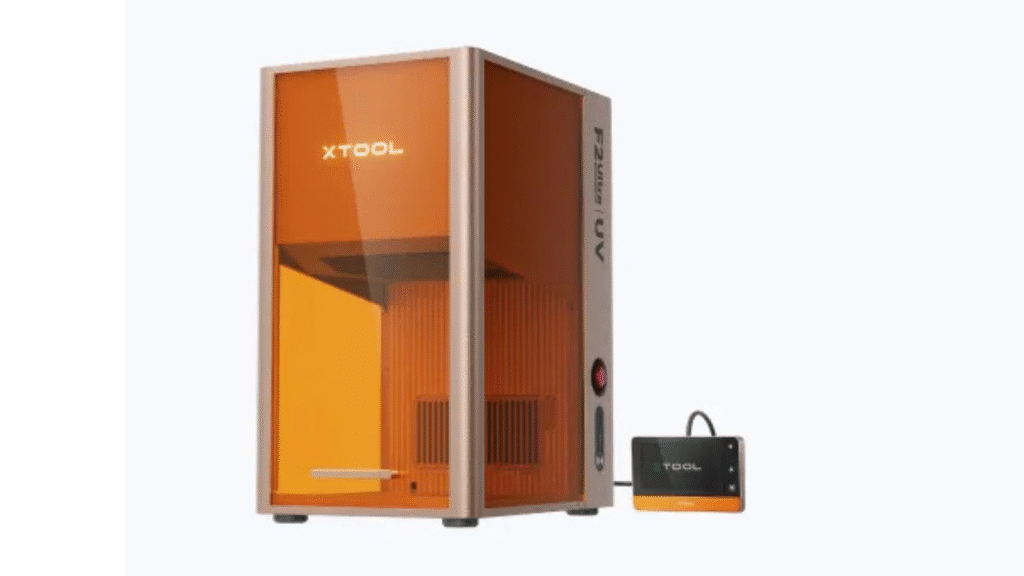
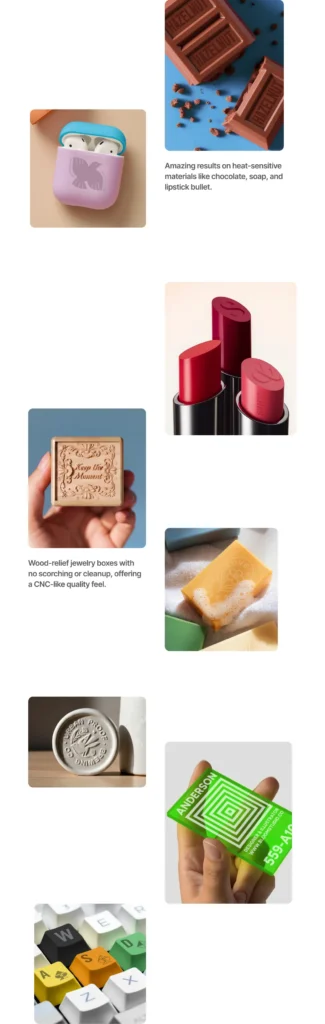
The xTool F2 Ultra is a portable UV laser engraver designed for high-precision marking on materials that are traditionally difficult to engrave using diode lasers. Its UV wavelength allows micro-level interaction with:
- Glass and crystal
- Plastics and composites
- Ceramics and stone
- Coated metals
- Certain industrial parts
This level of detail and material compatibility is rare in compact laser systems, positioning the F2 Ultra as a top choice in the upper-mid price tier.
1. xTool F2 Ultra vs Snapmaker 2.0 (Laser Module)
Snapmaker 2.0 Overview
Snapmaker 2.0 is a modular 3-in-1 machine (3D printing, CNC carving, laser engraving). Its laser module adds engraving capability to an all-purpose fabrication platform.
Key Differences:
- Functionality: Snapmaker offers versatility (3D print + CNC + laser), while the xTool F2 Ultra is dedicated solely to laser engraving with advanced UV capability.
- Laser Power: Snapmaker uses a diode laser that is fine for wood, leather, and softer materials but doesn’t match UV laser precision on glass or coated surfaces.
- Build & Precision: Snapmaker’s larger frame is great for multi-tool use, but the F2 Ultra tends to produce sharper, more detailed engraving specifically for marking tasks.
Verdict:
Choose xTool F2 Ultra if your primary goal is professional-grade marking across varied and sensitive materials. Snapmaker is a terrific multipurpose machine if you value 3D printing and CNC alongside engraving.
2. xTool F2 Ultra vs Glowforge Basic
Glowforge Basic Overview
Glowforge Basic is a desktop CO₂ laser engraver — known for solid cutting and engraving. It’s more powerful in cutting thick materials than many diode or UV systems.
Key Differences:
- Laser Type: Glowforge uses CO₂ laser technology ideal for cutting and engraving wood, acrylic, leather, and some plastics.
- Material Support: CO₂ lasers are superb for cutting and moderate engraving but struggle with micro-precision on glass and metals without coatings.
- Price & Footprint: Glowforge typically costs more and occupies more space than the UV-focused F2 Ultra.
Verdict:
If you need deep cutting and broad material cutting capability, Glowforge is a great option. For precision micro-engraving on tough or sensitive materials, the xTool F2 Ultra is better suited.
3. xTool F2 Ultra vs Atomstack X20W-D1 Pro+ / A5 Pro
Atomstack Overview
Atomstack’s high-power diode laser engravers are popular with hobbyists and small workshop users — delivering good engraving on wood, leather, and acrylic.
Key Differences:
- Laser Technology: Atomstack models use high-power diode lasers (e.g., 20W equivalent) that are strong for everyday engraving and some cutting tasks.
- Material Flexibility: Diode lasers don’t handle glass or ceramics effectively, and marking metals often requires surface prep or marking paste.
- Precision: The F2 Ultra’s UV laser delivers finer, cooler engraving with minimal heat distortion — essential for delicate materials.
Verdict:
Atomstack machines are excellent for standard engraving and budget-friendly cutting. But for precision, material diversity, and detail work, xTool F2 Ultra covers use cases that diode lasers cannot.
4. xTool F2 Ultra vs Ten-High CO₂ 40W Laser
Ten-High CO₂ Overview
CO₂ laser systems like Ten-High 40W are versatile, capable of cutting thicker materials and engraving a wide range of substrates.
Key Differences:
- Power & Cutting: Ten-High’s CO₂ excels at cutting and medium engraving, particularly for wood, acrylic, and fabric.
- UV Precision: CO₂ lasers are limited with glass and coated or heat-sensitive materials; UV lasers like F2 Ultra thrive in these areas.
- Footprint and Maintenance: CO₂ systems tend to be larger and require more ventilation and maintenance.
Verdict:
Ten-High delivers strong cutting performance, useful for production and signage. For high-precision marking and non-thermal engraving, the xTool F2 Ultra stands apart.
5. xTool F2 Ultra vs Ortur Laser Master 3
Ortur Laser Master 3 Overview
Ortur’s flagship diode laser lineup offers high engraving speed, large work areas, and solid build quality — great for hobbyists and small business users.
Key Differences:
- Laser Type: Ortur uses a powerful diode system that is reliable for wood, acrylic, leather, and other common substrates.
- Material Limitations: Like other diode lasers, it cannot mark glass, ceramics, or coated metals with the exactitude of a UV laser.
- Work Size: Ortur often provides a larger work area than portable units, making it friendly for larger projects.
Verdict:
Ortur Laser Master 3 is a strong contender for general purpose laser engraving tasks. But when your work requires ultra-fine detail, minimal heat damage, and challenging materials, xTool F2 Ultra brings additional capabilities typical diode engravers cannot match.
Why xTool F2 Ultra Stands Out
1. Precision and Detail
The UV laser technology in the xTool F2 Ultra allows:
- Extremely fine engraving lines
- Minimal heat effect on materials
- Crisp, high-contrast marks
This precision is ideal for:
- Glass etching
- Ceramic and stone engraving
- Industrial part marking and labeling
- Specialty products
2. Expanded Material Compatibility
Besides traditional engraved substrates, the F2 Ultra can handle:
- Transparent and translucent materials
- Hard coated metals
- Composite plastics
- Heat-sensitive surfaces
This range surpasses typical diode lasers and complements CO₂ engraving in areas where thermal impact must be minimal.
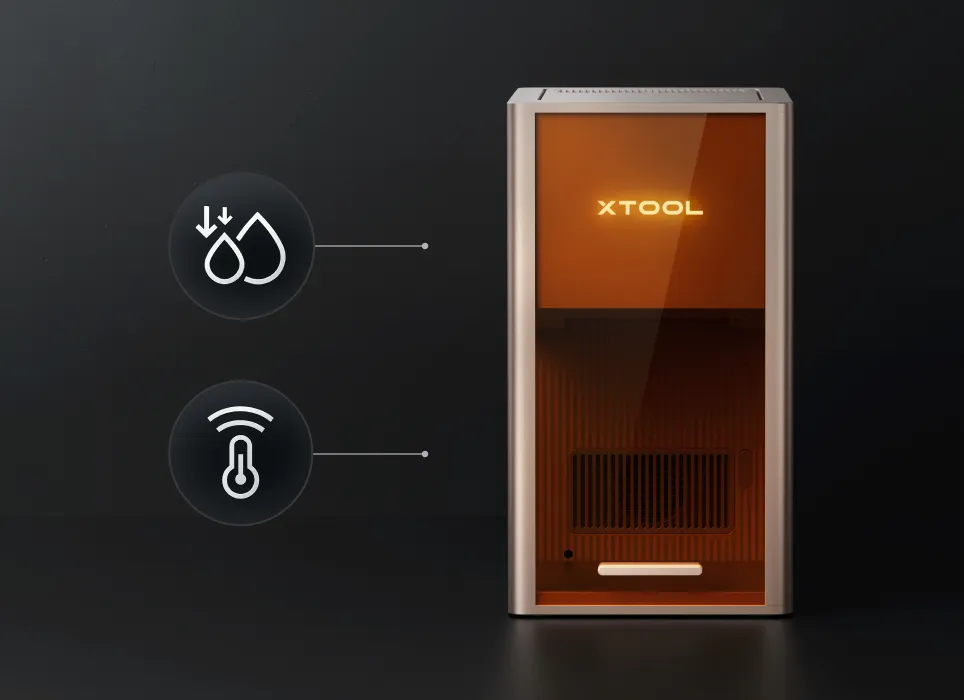
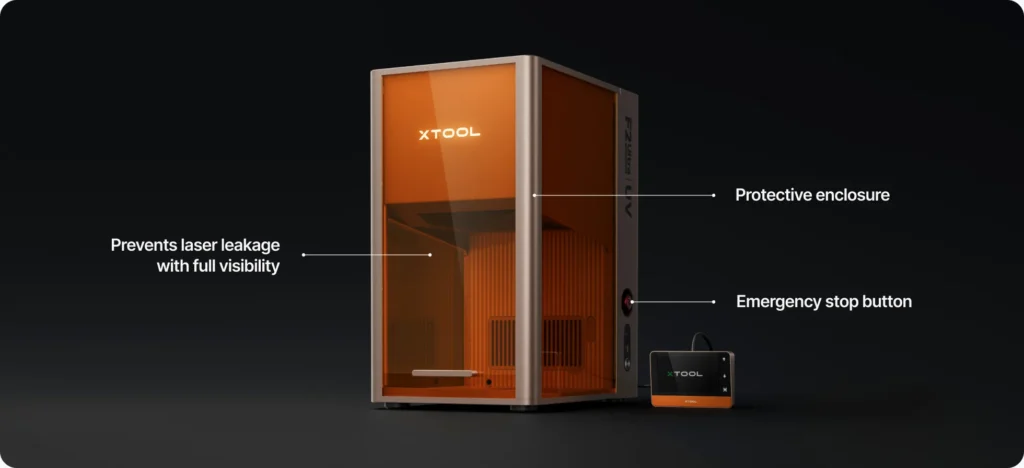
3. Safety and Build Quality
The F2 Ultra offers:
- Enclosed laser path for safe operation
- Stable metal frame
- Emergency stop and controlled workspace
- Modern firmware and interface support
These features make it suitable for both home studios and professional environments.
Pros and Cons — Side-by-Side
xTool F2 Ultra
Pros
- UV laser precision and fine detail
- Excellent material versatility
- Portable yet robust build
- Professional marking quality
Cons
- Does not cut thick materials like CO₂
- Higher price than basic diode models
- Requires appropriate setup and ventilation
Competitor Summary
- Snapmaker: Best multi-tool versatility
- Glowforge: Best cutting capability
- Atomstack / Ortur: Best budget engraving
- Ten-High CO₂: Best mid-tier cutting performance
Final Verdict — Which One Should You Choose?
The xTool F2 Ultra distinguishes itself as a precision-oriented, high-versatility engraving solution. If your priority is fine detail, micro-level marking, and material diversity, especially on glass, ceramics, or specialty surfaces, the F2 Ultra is one of the best options in its price segment.
👉 Learn more about the product here:
xTool P2 vs. OMTech Polar: Which CO₂ Laser Cutter Is Worth It?
DIY Shopping Guide