In Summary
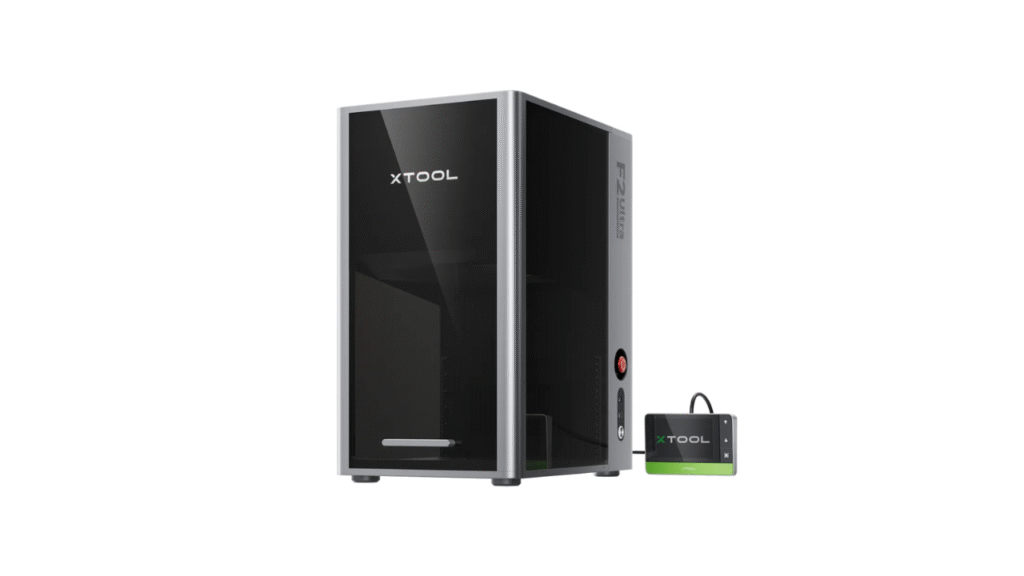
The xTool F2 has quickly become one of the most talked-about portable laser engravers thanks to its dual-laser system and broad material support. But with many similar options in the market, it’s important to understand how the xTool F2 stacks up against other competitors with similar price points and hardware configurations.
Quick Recap: What Makes xTool F2 Special
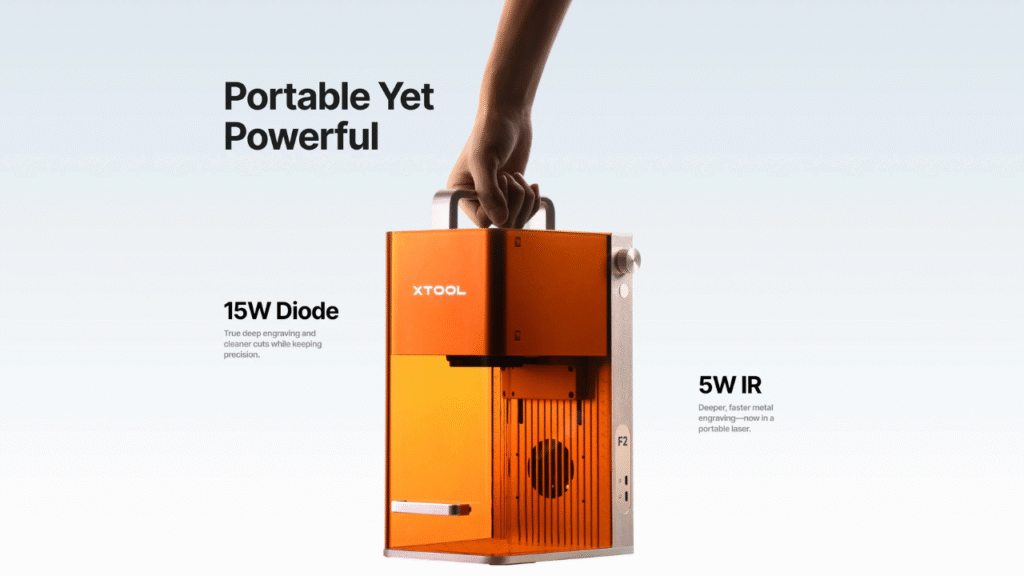
Before we dive into the comparisons, here’s a quick snapshot of the xTool F2:
- Dual laser system: 5W IR + 15W visible diode
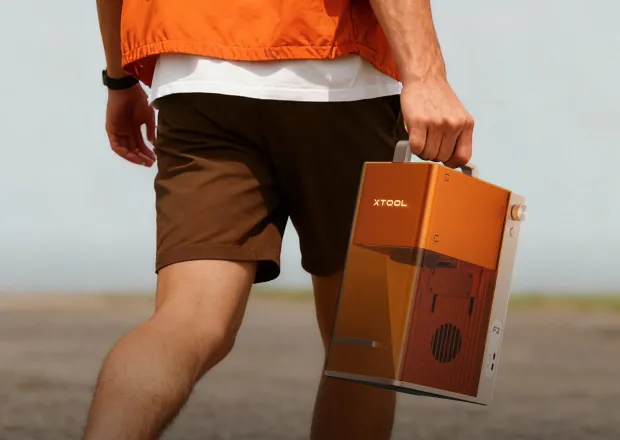
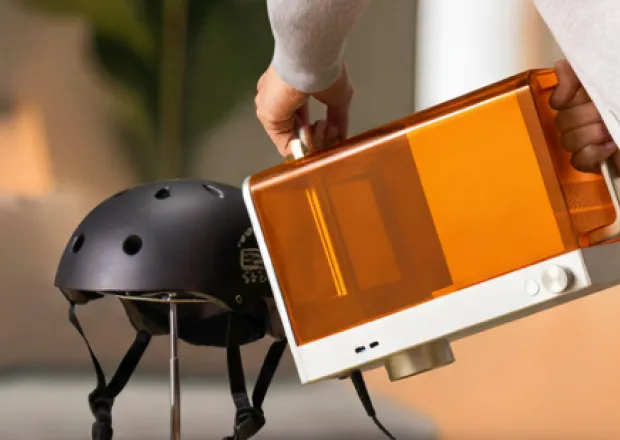
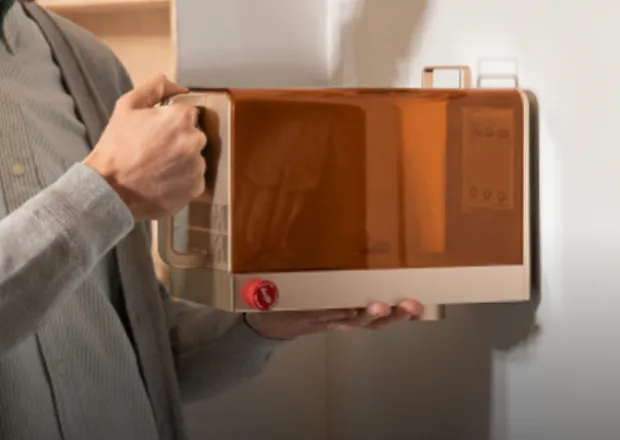
- Portable and desktop-friendly
- Can engrave metal, wood, acrylic, leather, and more
- Strong build quality and ease of use
This dual-laser design makes the xTool F2 more versatile than typical single-diode engravers, especially for small business owners, hobbyists, and creative makers. Now let’s see how it compares with other similar models on the market.
1. xTool F2 vs Ortur Laser Master 2 Pro
Ortur Laser Master 2 Pro Overview
Ortur Laser Master 2 Pro is one of the most popular diode laser engravers in its price range. Known for its large work area and strong community support, it’s often recommended to beginners and intermediate users.
Key Differences:
- Laser Power: Ortur typically uses a single diode laser module (often around 20W equivalent).
- Material Support: Good for wood, leather, acrylic, and some plastics, but not designed for metal marking.
- Work Area: Generally larger working area compared to many compact engravers.
- Build: Open frame design, not enclosed.
Comparison Summary:
- Versatility: xTool F2’s dual-laser setup gives it an edge for metal engraving, which Ortur cannot handle without additional accessories.
- Portability: xTool F2 is more compact, easier to move or store.
- Community & Support: Ortur has a larger user community, which can be helpful for beginners.
Who It’s For:
- xTool F2: Best for users who value metal marking plus versatile material use.
- Ortur Laser Master 2 Pro: Best for hobbyists focusing on wood and acrylic batches with larger projects.
2. xTool F2 vs Atomstack A20 Pro
Atomstack A20 Pro Overview
The Atomstack A20 Pro is another popular diode laser engraver with a high-power module that targets hobbyists and small workshops. It delivers strong engraving power and supports adjustable focus.
Key Differences:
- Laser Type: Single high-power diode laser.
- Engraving Speed: Competitive for wood and acrylic.
- Metal Capability: Limited for metal — often requires surface treatment or marking paste.
- Build: Desktop frame with adjustable height.
Comparison Summary:
- Dual Laser Advantage: xTool F2 has stronger metal marking performance due to its IR laser, while Atomstack focuses on high-speed engraving on non-metal materials.
- Ease of Use: Both machines are beginner-friendly, but xTool F2’s software and dual system create more flexibility.
- Portability: Similar, but F2’s compact design is slightly easier to set up and store.
Who It’s For:
- xTool F2: Balanced for varied material engraving including metal marking.
- Atomstack A20 Pro: Great for users prioritizing speed on wood and acrylic without metal engraving needs.
3. xTool F2 vs Snapmaker 2.0 A250/A350 (Laser Module)
Snapmaker 2.0 Overview
Snapmaker 2.0 is a modular fabrication platform combining 3D printing, CNC carving, and laser engraving. With its laser module attachment, the Snapmaker performs engraving tasks in addition to its other functions.
Key Differences:
- Multi-Function: Snapmaker offers 3 tools in one — laser, CNC, and 3D printing.
- Laser Module: Usually ~10W high-power diode laser, less powerful than xTool F2’s dual setup.
- Build Quality: Industrial feel, larger sturdy frame.
- Price Point: Often higher overall when including all modules.
Comparison Summary:
- Functionality: Snapmaker is a multi-tool machine, while xTool F2 is dedicated to engraving/marking.
- Laser Power: xTool F2’s dual lasers provide better engraving on metal and deeper surface marking.
- Versatility: Snapmaker wins if you need 3 different fabrication tools in one, but xTool F2 excels if your focus is laser engraving quality and flexibility.
Who It’s For:
- xTool F2: Best for users who want high-quality laser engraving and metal marking without extra tools.
- Snapmaker 2.0: Best for makers who value multi-tool capabilities in one package.
4. xTool F2 vs Glowforge Basic
Glowforge Basic Overview
Glowforge Basic is a well-known CO₂ laser cutter/engraver that sits above the typical diode category. It provides excellent quality cuts and engravings but at a significantly higher price point.
Key Differences:
- Laser Type: Glowforge uses a CO₂ laser (higher power for cutting).
- Material Capability: Can cut thicker materials with cleaner edges compared to diode lasers.
- Price: Significantly more expensive than xTool F2.
- Size: Larger footprint, not as portable.
Comparison Summary:
- Capability: Glowforge is more powerful and capable of deeper cuts, useful for large projects and professional environments.
- Affordability: xTool F2 is far more affordable for engraving and marking tasks.
- Target Use: Glowforge is better suited for heavy production and cutting workflows.
Who It’s For:
- xTool F2: Perfect for entry-to-mid level engraving and versatile material marking.
- Glowforge Basic: Ideal for users needing strong cutting power and professional fabrication tools.
5. xTool F2 vs BobsCNC Evolution (Laser Add-On)
BobsCNC Evolution Overview
BobsCNC Evolution is primarily a CNC router system that can be fitted with laser attachments. It’s a cost-effective DIY solution with community support.
Key Differences:
- Primary Tool: CNC routing with optional laser accessory.
- Laser Power: Laser add-ons are often low-power and limited.
- Skill Requirement: Requires more manual assembly and setup.
Comparison Summary:
- Professional Support: xTool F2 wins on dedicated laser performance and user support.
- Versatility: BobsCNC is flexible with tools but limited without strong laser modules.
Who It’s For:
- xTool F2: Strong choice for dedicated laser engraving tasks.
- BobsCNC Evolution: Preferred by DIYers who enjoy assembly and multi-tool tinkering.
Conclusion: How xTool F2 Stands Out
After comparing the xTool F2 with several similar machines — from single diode units like the Ortur and Atomstack to multi-tool platforms like Snapmaker and high-end CO₂ systems like Glowforge — several key takeaways emerge:
Why Choose xTool F2
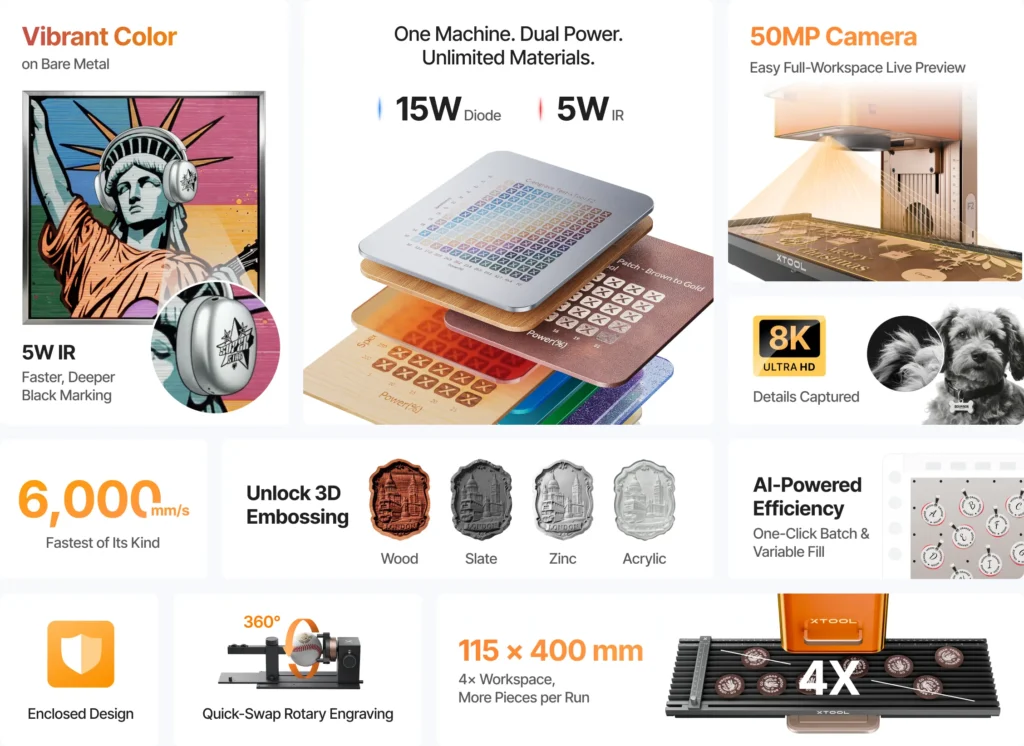
- Dual-Laser Flexibility: The combination of IR and diode lasers enables metal marking alongside traditional engraving tasks.
- Portable and Easy to Use: No complex assembly required, suitable for home workshops and studios.
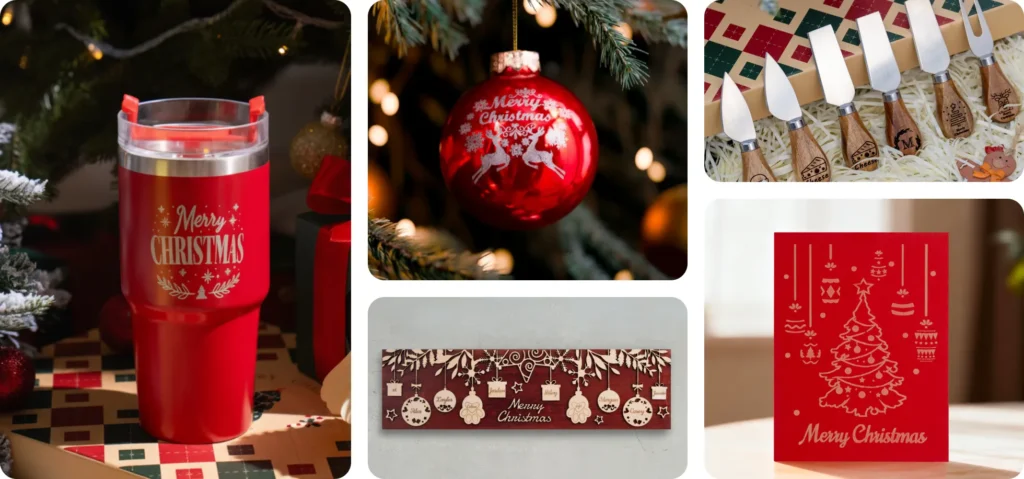
- Versatile Material Support: Works well with metals, wood, acrylic, leather, and more.
- Balanced Price/Performance: Offers excellent engraving capability without the higher cost of CO₂ units.
Who Should Consider Competitors
- Ortur / Atomstack: If you only need basic wood, acrylic engraving at a larger work area.
- Snapmaker: If you value multi-tool capability over dedicated laser performance.
- Glowforge: If cutting power and professional fabrication are essential.
- BobsCNC Add-On: If you’re a DIY enthusiast looking for modular machining tools.

✨ Final Recommendation
The xTool F2 stands out as one of the best dual-laser engravers in its price class, offering a rare combination of metal marking ability, engraving versatility, portability, and ease of use. For those who want a laser machine that handles a wide range of materials while remaining affordable and creative-friendly, the xTool F2 remains a top choice.
👉 Learn more about the product here:
xTool P2 vs. OMTech Polar: Which CO₂ Laser Cutter Is Worth It?
DIY Shopping Guide