In Summary
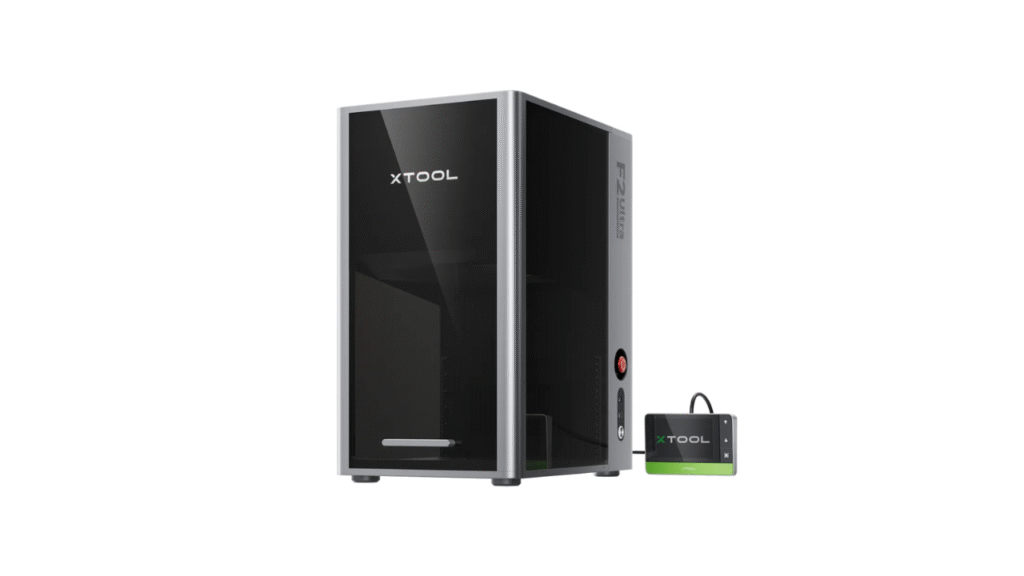
Choosing the right laser engraver or cutter can be overwhelming — especially with xTool’s lineup offering options for different users and applications. Two models that are frequently compared are xTool F2 and xTool P2S. Though both come from the same brand and share high-quality engineering, they serve very different purposes.
1. Overview – What Are xTool F2 and xTool P2S?
xTool F2
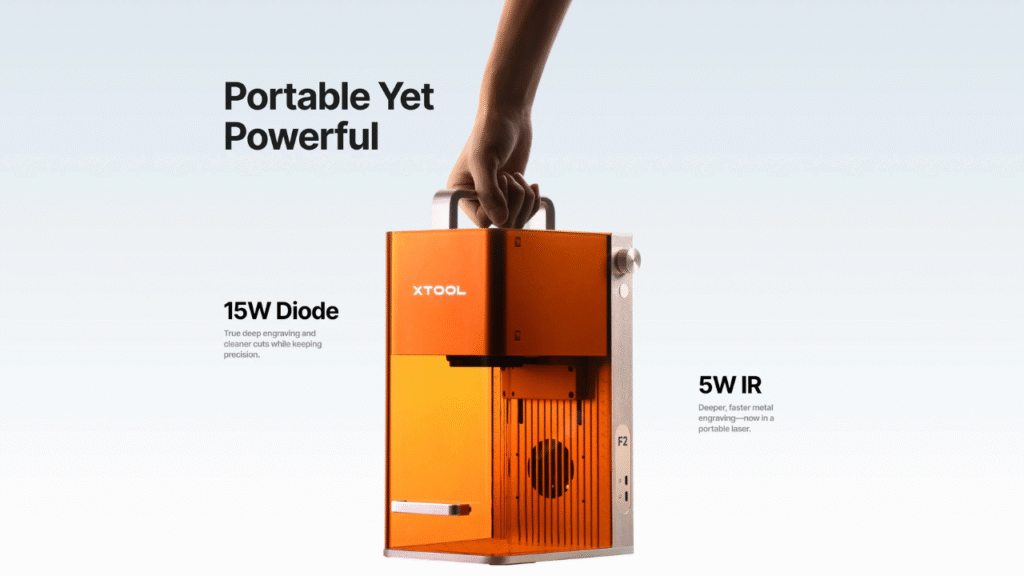
The xTool F2 is a compact, dual-laser desktop engraver that combines a 5W infrared (IR) laser and a 15W visible diode laser. It’s primarily designed for engraving and marking across a variety of materials, including metals, wood, acrylic, leather, and more. Its dual-laser architecture makes it especially versatile for makers and hobbyists who want a flexible engraving solution.
xTool P2S
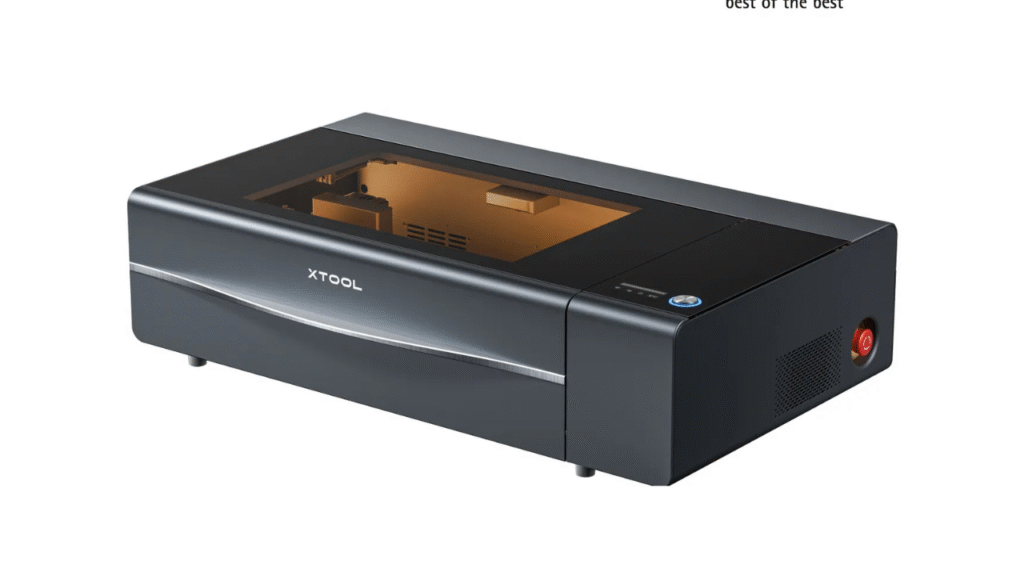
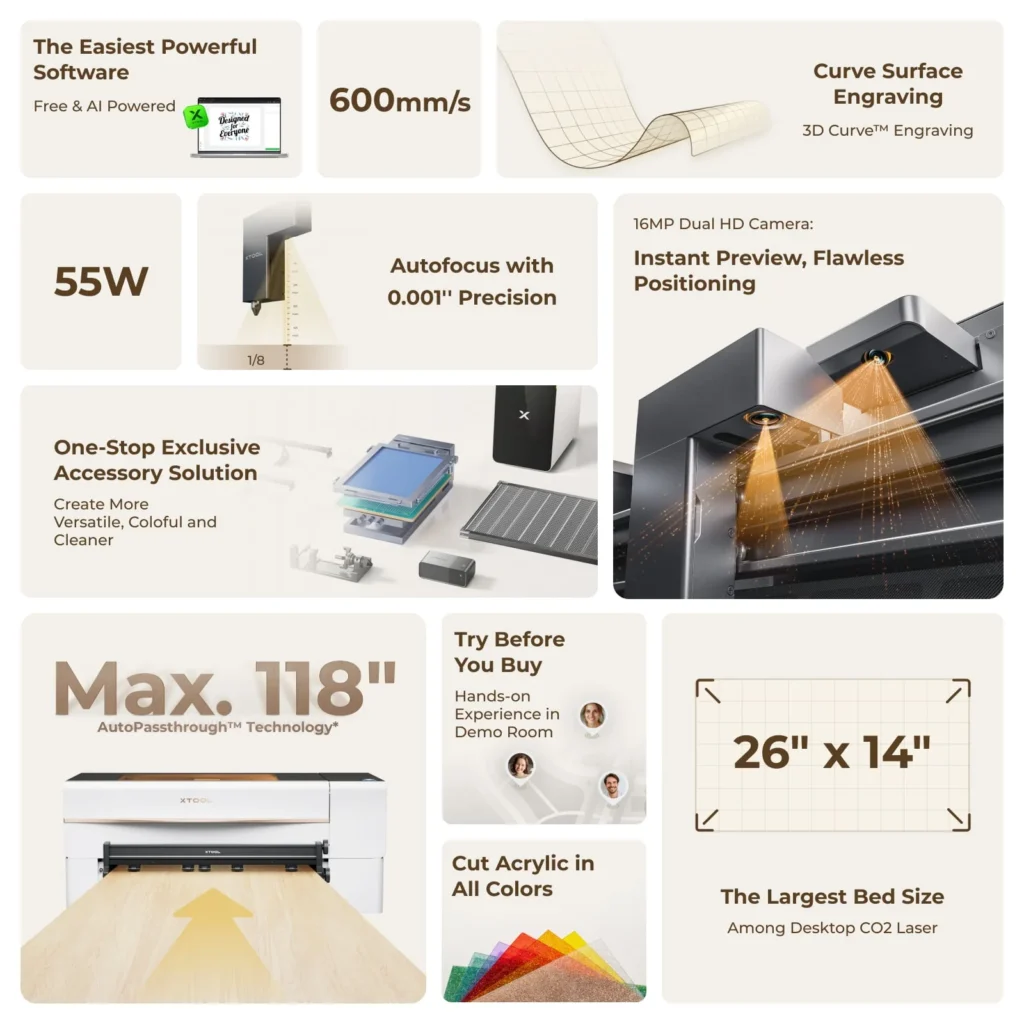
The xTool P2S is a high-performance 55W CO₂ laser cutter and engraver that’s more powerful and capable, built for heavier use and more demanding projects. It delivers professional-level cutting, deep engraving, and automation features that make it suitable for small businesses, studios, and serious makers.
2. Laser Technology and Power
xTool F2 – Dual Laser System
The signature feature of the xTool F2 is its dual-laser configuration:
- 5W IR Laser: Designed for metal engraving and deeper surface marking.
- 15W Visible Diode Laser: Ideal for organic materials like wood, acrylic, leather, paper, and plastic.
This combination offers more material flexibility than a single-laser engraver, but it’s still best suited for engraving and light cutting.
xTool P2S – 55W CO₂ Laser
The xTool P2S uses a 55W CO₂ laser, which provides:
- Better material penetration
- Faster cutting speeds
- Cleaner edges on thicker materials like acrylic or wood
The CO₂ laser system is more powerful and capable of complex cuts that the F2 cannot match.
Verdict:
If your priority is engraving versatility with both metal and non-metal materials, xTool F2 wins in flexibility. If your work demands actual cutting power and deeper engraving, xTool P2S is significantly stronger.
3. Material Compatibility and Use Cases
xTool F2
The dual lasers on the F2 make it a strong choice for:
- Metal marking and engraving (tools, jewelry, nameplates)
- Wood engraving
- Acrylic and plastic surface designs
- Leather and textiles
- Paper and small craft projects
However, the F2 is not designed for cutting thick materials — its engraving power is strong but shallow compared to CO₂ lasers.
xTool P2S
The CO₂ system on P2S dramatically broadens material options:
- Deep cutting of wood and acrylic
- Leather cutting and engraving
- Engraving on glass, stone, ceramics
- Surface marking on coated metals
- Foam and rubber cutting
For heavier projects like signage, layered wood art, 3D models, and batch production, the P2S offers a significant advantage.
Verdict:
If your work involves frequent engraving across both metals and softer materials, F2 is excellent. For anything involving cutting, deep engraving, or thicker materials, P2S is the superior choice.
4. Workspace and Design
xTool F2
- Lightweight and compact
- Designed to sit comfortably on a desktop
- Portable enough for hobby spaces and small studios
The smaller footprint makes it ideal for users with limited space or those who move between projects and work areas.
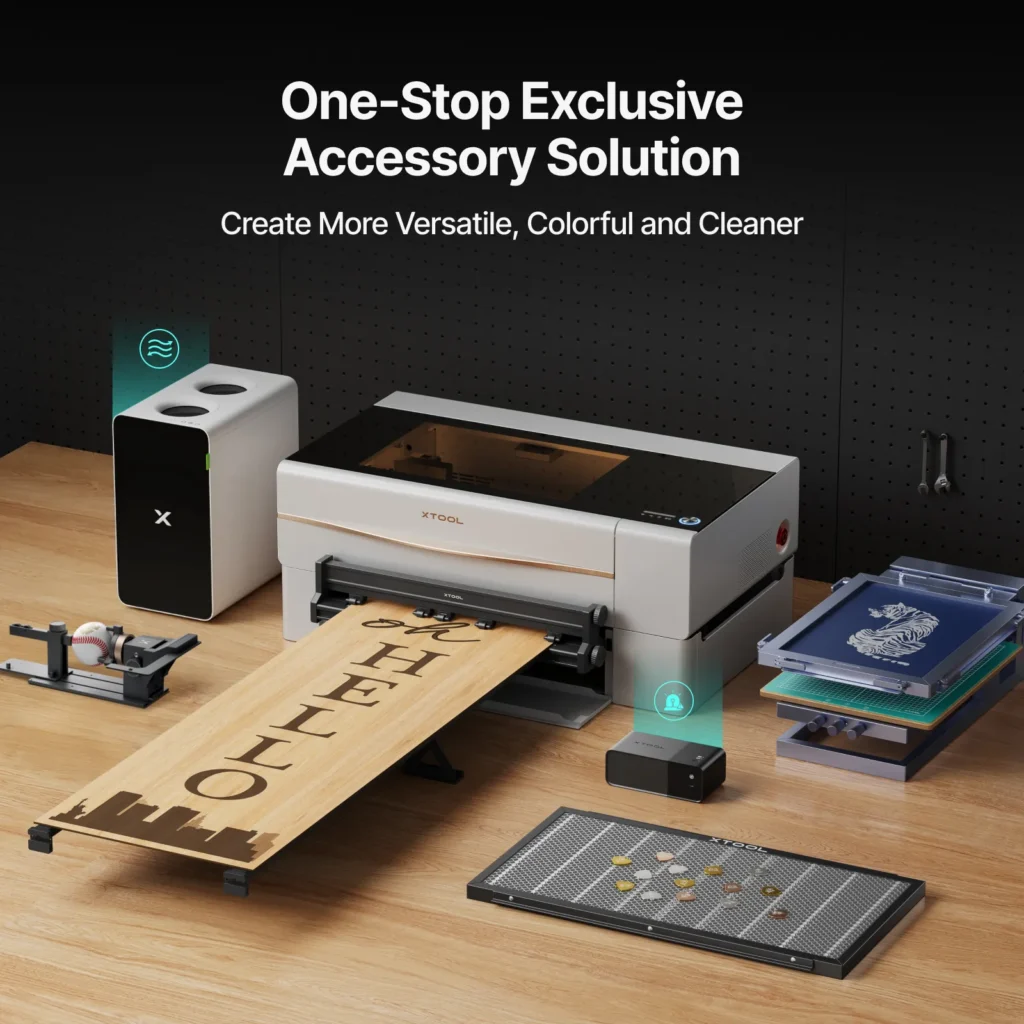
xTool P2S
- Larger frame and work surface
- Designed for extended projects, wider sheets, and batch work
- Less portable but more robust
The P2S assumes a dedicated workspace due to size and power requirements. It’s more like a workshop centerpiece than a portable engraver.
Verdict:
F2 excels in portability and flexible placement, while P2S is built for larger, more permanent installations.
5. Software and Workflow Integration
Both machines offer user-friendly software support, but their workflow priorities differ:
xTool F2
- Great for quick engraving previews
- Simple layout tools
- Fast setup for hobby projects and mixed material work
xTool P2S
- Advanced positioning features with dual cameras
- Larger job preview and batch processing
- Supports more sophisticated layouts for cutting + engraving
The P2S software ecosystem is generally more comprehensive, especially for production workflows.
Verdict:
F2’s software suits quick, creative engraving tasks, while P2S’s system handles complex job planning and automation better.
6. Performance and Speed
xTool F2
- Strong engraving performance
- Moderate speed for engraving on different materials
- Limited cutting power
xTool P2S
- High engraving and cutting speed
- Deeper penetration and sharper cuts
- Better accuracy on large or thick projects
Performance differences become clear when you test cutting tasks or high-volume engraving jobs — P2S is generally faster and more capable.
Verdict:
P2S delivers better performance, especially when facing demanding workloads.
7. Safety and Durability
Both xTool F2 and xTool P2S offer reliable safety features, but their build and domain differ somewhat:
F2:
- Enclosed laser path to protect users
- Lightweight chassis for desktop use
- Safety features appropriate for engraving environments
P2S:
- Fully enclosed cutting chamber
- Emergency stops and automated safety interlocks
- Robust build for workshop durability
P2S’s enclosure and safety systems are more comprehensive, reflecting its higher power and cutting capability.
8. Pros and Cons Summary
xTool F2
Pros
- Dual-laser flexibility (IR + diode)
- Compact and portable
- Excellent metal and non-metal engraving
- Beginner-friendly setup
Cons
- Limited cutting power
- Less suited for heavy or large projects
xTool P2S
Pros
- Powerful CO₂ laser cuts deep and fast
- Wide material compatibility
- Better for complex projects and batch work
- Advanced features and automation
Cons
- Larger, less portable
- Higher cost and workspace requirement
Which Should You Choose?
Choose xTool F2 if:
- You focus mostly on engraving and marking
- You expect to work frequently with metals, wood, acrylic, and mixed materials
- You want a portable, easy-to-set-up desktop unit
- You’re a hobbyist, crafter, or small business owner focused on creative engraving
Choose xTool P2S if:
- You need real cutting power and deeper engraving
- You work with thick or dense materials
- You need professional quality results and batch production
- You want more automation and advanced positioning features
Final Verdict
In the xTool F2 vs xTool P2S comparison, neither machine is universally “better” — it really depends on your intended use. The F2 is a highly versatile, portable engraver perfect for cross-material engraving tasks, while the P2S is a powerful CO₂ laser cutter built for serious projects, larger formats, and professional workflows.
By understanding your creative or business needs — whether that’s engraving versatility or cutting power — you can choose the machine that will help you produce high-quality results with efficiency and confidence.
👉 Learn more about the product here:
xTool P2 vs. OMTech Polar: Which CO₂ Laser Cutter Is Worth It?
DIY Shopping Guide