In Summary
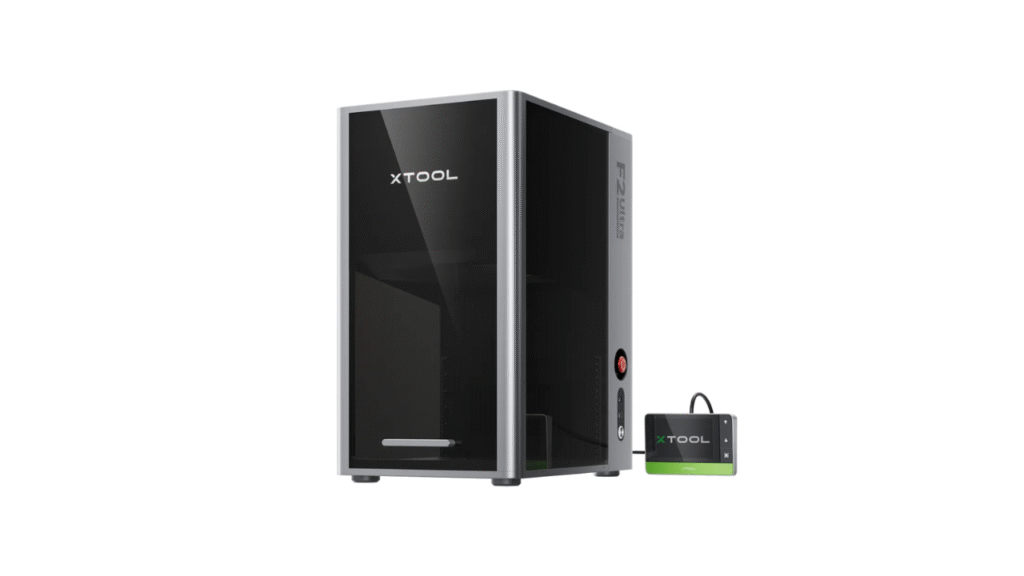
The xTool P2S Laser has quickly become one of the most discussed CO₂ desktop laser cutters on the market. Positioned as a powerful and versatile upgrade from typical diode machines, it promises professional-level performance in a compact desktop form. In this detailed xTool P2S Laser review, we explore its build quality, cutting power, usability, software experience, strengths, limitations, and whether it truly delivers value for creators, small businesses, and advanced hobbyists.
First Impressions and Build Quality
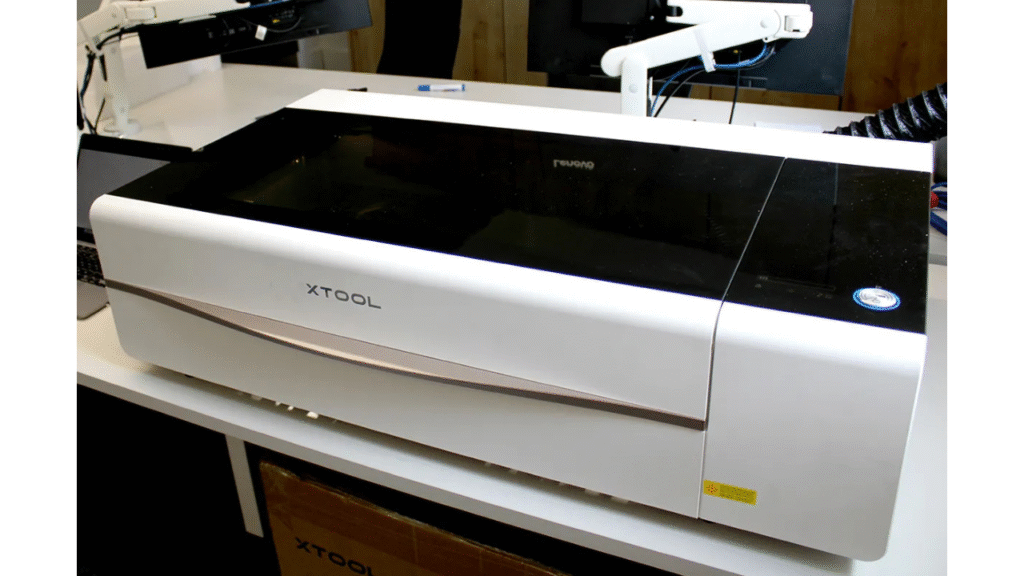
Right from unboxing, the xTool P2S Laser feels like a serious, well-engineered machine. It is noticeably larger and heavier than standard diode lasers, which is expected considering its powerful 55W CO₂ laser tube. The fully enclosed design not only enhances safety but also gives a professional look suitable for workshops, studios, classrooms, and business environments.
Setup requires a bit of preparation. Users will need sufficient workspace, ventilation setup, and some time to complete the initial installation steps such as cooling and alignment. However, once in place, the machine feels solid, stable, and ready for continuous use. The overall construction quality gives confidence that this is built for demanding workloads rather than occasional hobby crafting.
Cutting and Engraving Performance
Performance is the heart of any xTool P2S Laser review, and this machine impresses in real-world use. The 55W CO₂ laser delivers significantly more power than diode alternatives, allowing it to cut thick and dense materials with remarkable ease. It can handle wood, acrylic, leather, fabrics, rubber, cardboard, and engrave on glass and certain coated materials.
One of the key highlights is its ability to cut thicker materials such as 18mm hardwood and 20mm acrylic in a single pass while maintaining clean, polished edges. This level of performance is ideal for users producing signage, layered art pieces, product prototypes, décor items, and customized merchandise.
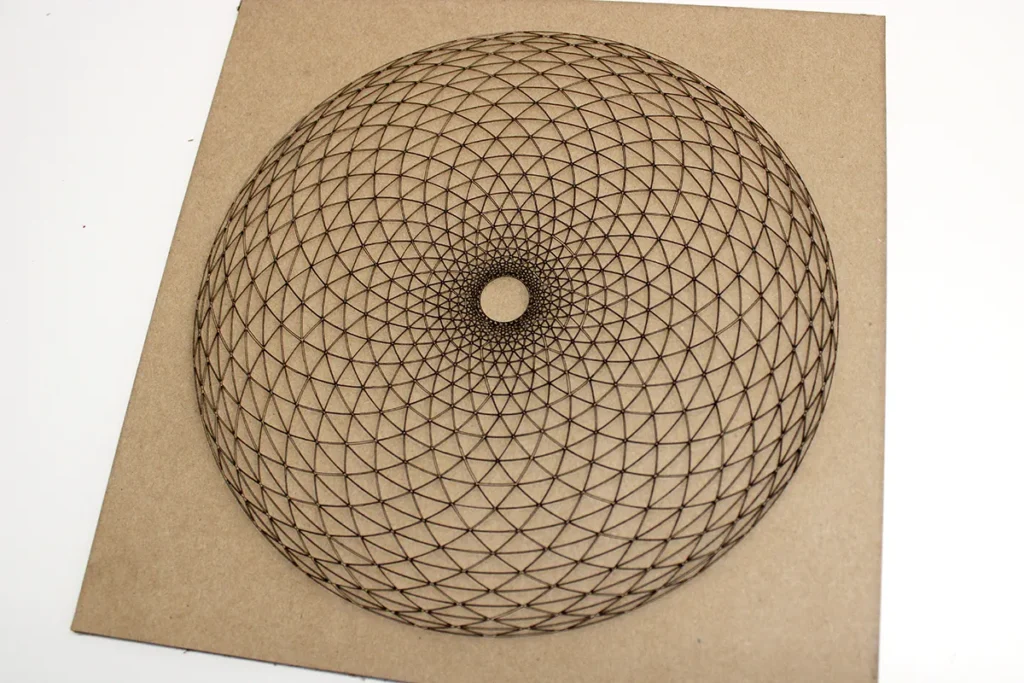
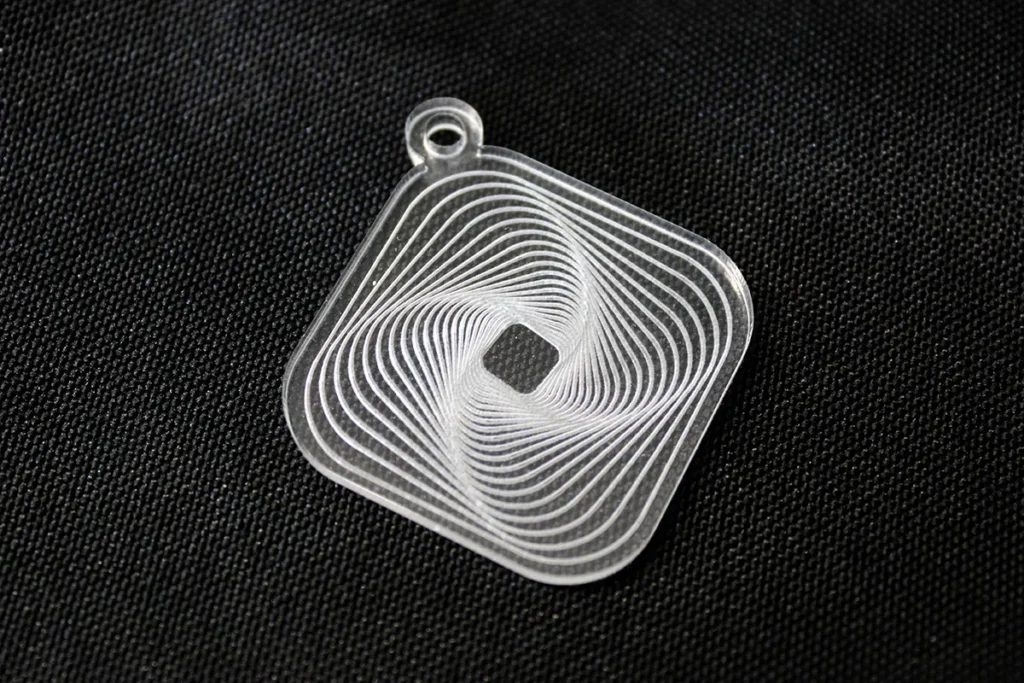
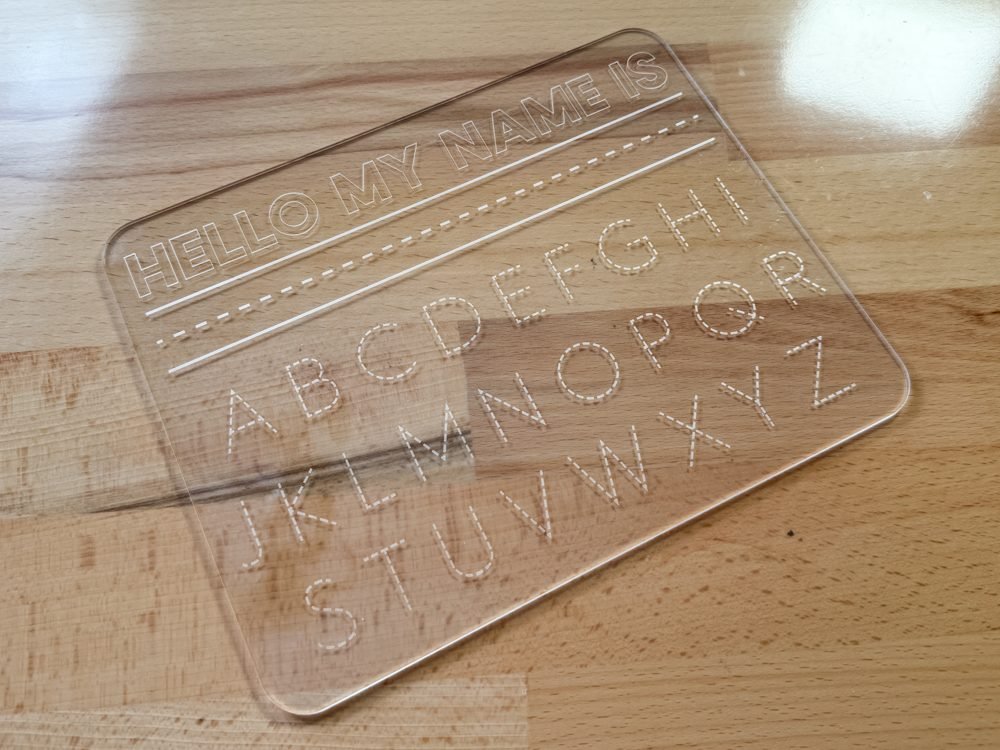
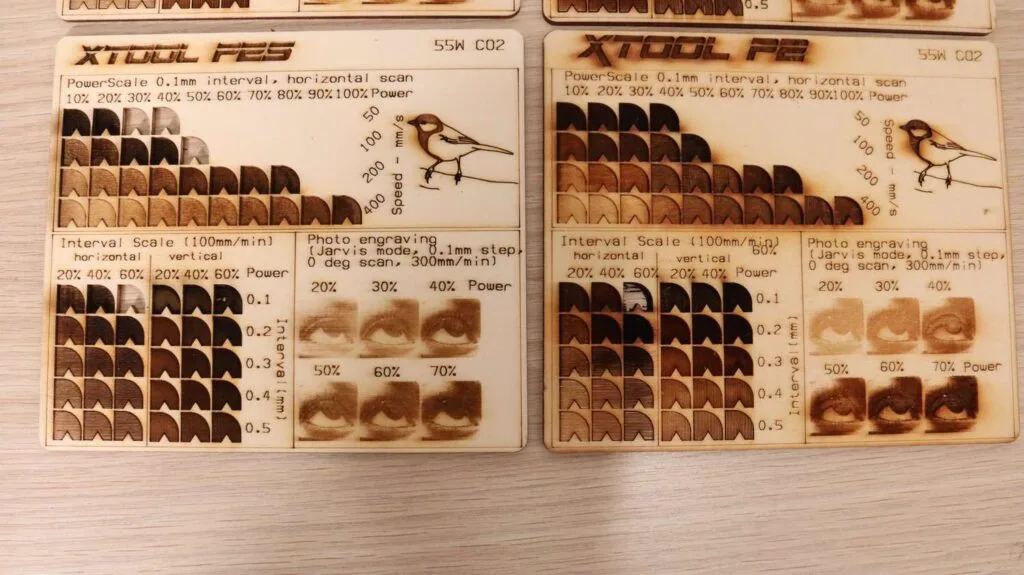
Engraving quality is sharp, detailed, and consistent. Text, logos, patterns, and intricate designs come out clean, making it suitable for both creative and functional applications. For anyone upgrading from a diode laser, the jump in speed, depth capability, and finish quality is immediately noticeable.
Dual Camera Precision Positioning
One of the standout features of the xTool P2S Laser is its advanced dual 16-megapixel camera system. This includes a panoramic view camera that captures the full workspace and a close-range camera that focuses on finer positioning areas. Together, they allow precise design placement, real-time previewing, and efficient layout planning.
This feature significantly reduces material waste and user error. You can visualize exactly where the design will cut or engrave before starting the job, making it user-friendly even for those who are new to CO₂ laser systems. For batch work and production runs, the alignment system makes the entire workflow faster and more reliable.
Improved Airflow and Working Efficiency
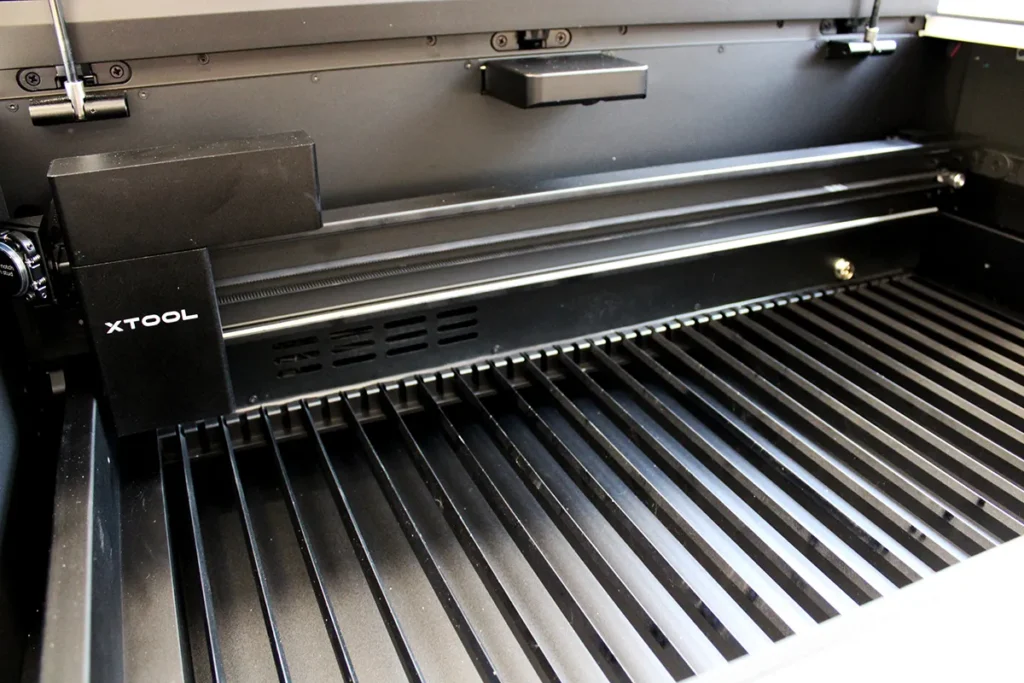
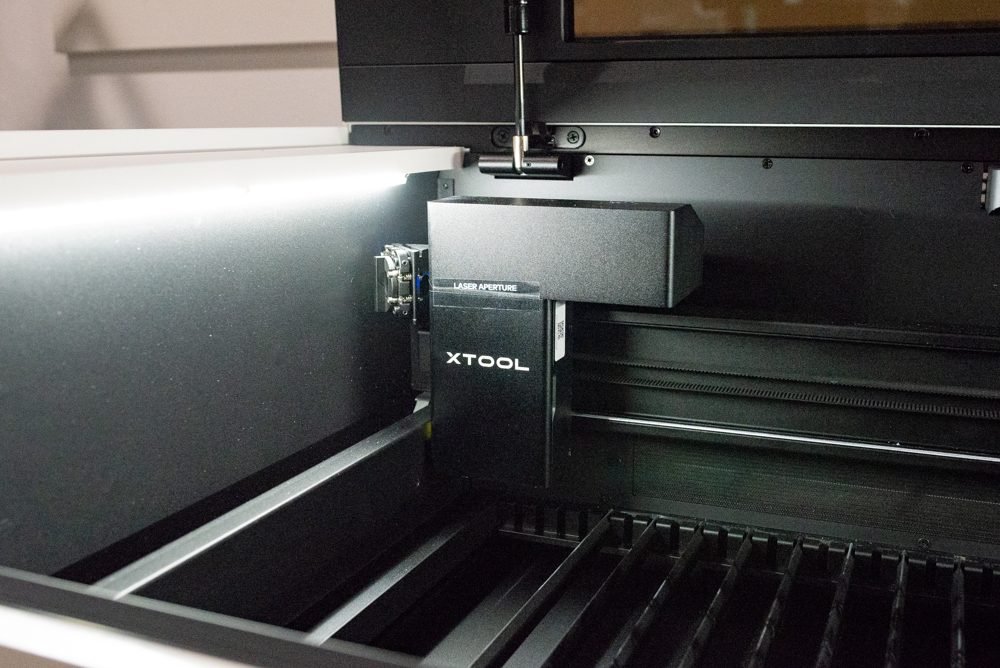
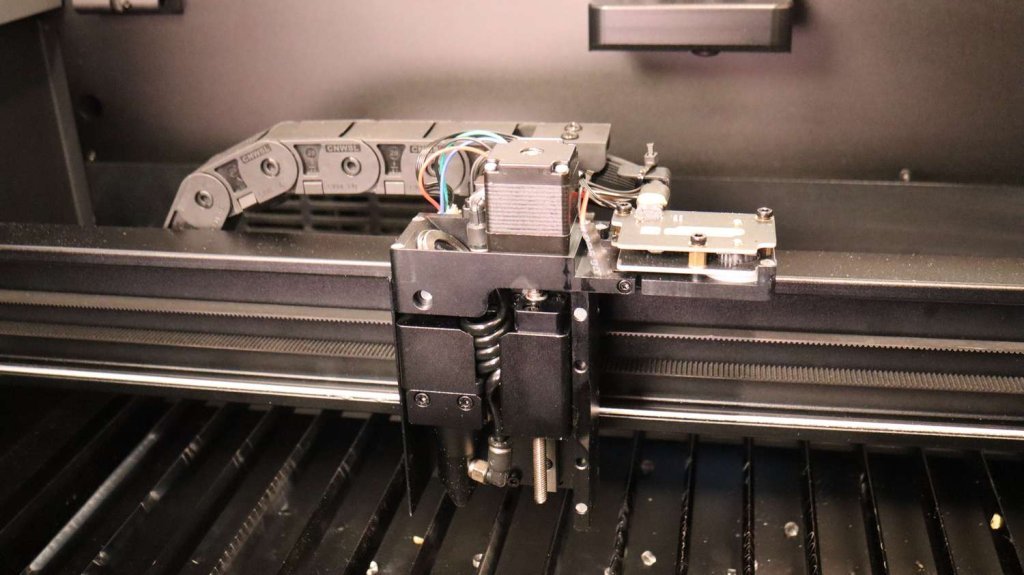
Efficiency is another strong advantage highlighted in this xTool P2S Laser review. The upgraded airflow system and stronger exhaust management ensure better smoke control, clearer visibility during operation, and cleaner final results. Reduced smoke residue also helps protect the machine and maintain engraving clarity.
In addition, enhanced axis motion and optimization result in faster engraving speeds without sacrificing accuracy. This is particularly valuable for small businesses or workshops where productivity and time efficiency directly impact profitability.
Software Experience
The xTool P2S Laser works with intuitive control software designed to make workflow simple and streamlined. It supports multiple design formats, allows camera alignment preview, and supports batch processing for repeat projects.
For beginners, the software is easy to understand and gets you working quickly. For intermediate users, it offers sufficient features for most daily cutting and engraving needs. However, some advanced users may feel certain customization levels are limited compared to more industrial-grade laser software. Still, for typical creative, crafting, and small-business operations, it performs reliably and efficiently.
Material Compatibility and Creative Possibilities
Versatility is one of the biggest reasons users choose the xTool P2S Laser. It supports an impressive range of materials, including:
Wood
Acrylic
Leather
Fabric
Paper and cardboard
Rubber
Glass engraving
Stone engraving
Surface marking on coated metals
This material flexibility opens up endless creative opportunities, whether you’re personalizing products, producing décor, crafting business signage, or designing custom gifts. The CO₂ system handles organic materials beautifully, giving smooth edges and professional-grade finishes.
Safety and Maintenance
Safety is a crucial factor in any powerful laser system. The xTool P2S Laser includes a fully enclosed casing, secure lid interlock, emergency stop button, and well-designed internal shielding to help protect users during operation. These safety features make it suitable even for home studios, educational environments, and office settings when used correctly.
Maintenance has also been thoughtfully designed. Access to internal parts is relatively straightforward, filters and fans are easier to service, and routine cleaning is manageable. This makes long-term ownership much more practical.


Final Verdict: Is the xTool P2S Laser Worth Buying?
After evaluating its power, usability, build quality, and real-world performance, this xTool P2S Laser review concludes that it is an excellent choice for creators looking for a serious and capable desktop CO₂ laser. It bridges the gap between hobby machines and industrial systems, offering outstanding strength, precision, and usability in one package.
If you are running a small business, producing custom products, or simply want a high-performance laser that can grow with your creative ambitions, the xTool P2S Laser is absolutely worth considering. It delivers reliability, cutting power, and advanced features that make it a standout option in today’s desktop CO₂ laser market.
👉 Learn more about the product here:
xTool P2 vs. OMTech Polar: Which CO₂ Laser Cutter Is Worth It?
DIY Shopping Guide