In Summary
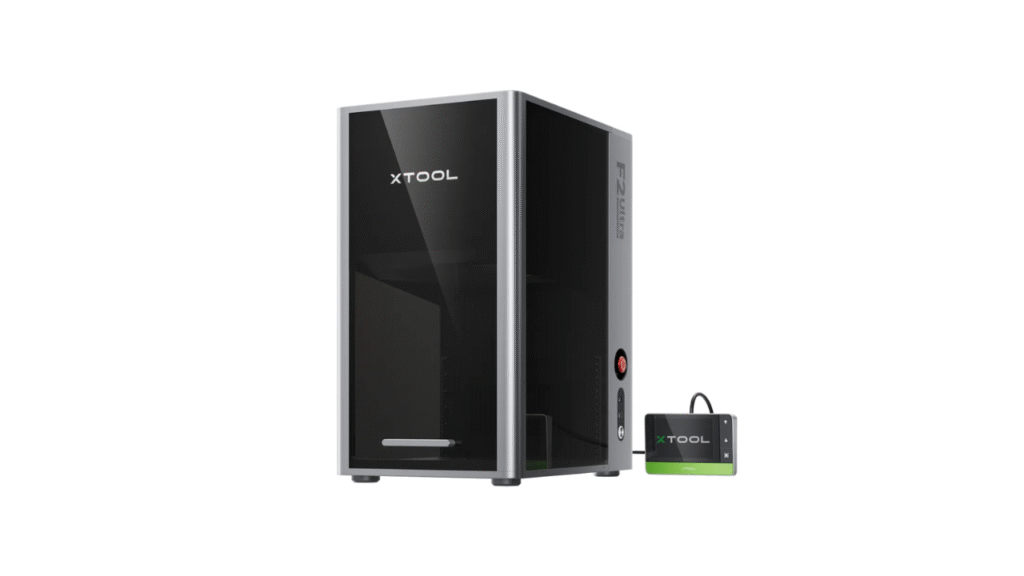
The xTool P2S is a desktop CO₂ laser cutter and engraver designed to bring professional cutting power to creative users, studios, and small businesses. In this detailed xTool P2S review, we will explore its design, core features, performance, supported materials, software experience, advantages, limitations, and whether it is worth investing in.
Overview: What is the xTool P2S?
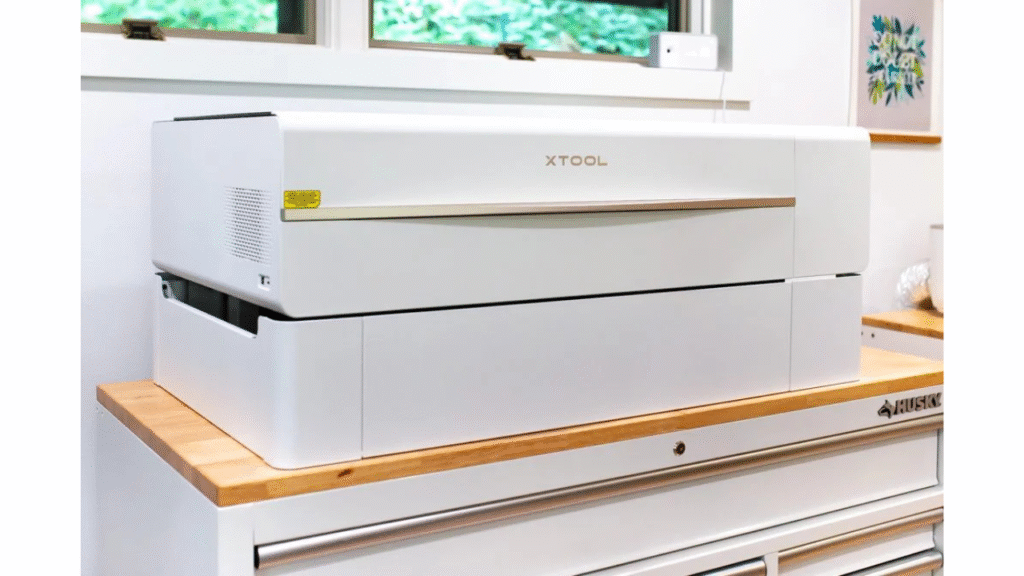
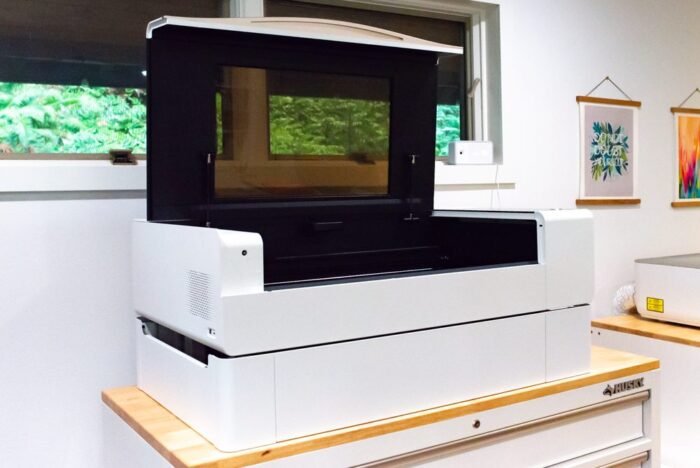
The xTool P2S belongs to xTool’s CO₂ laser lineup and features a 55W laser tube, giving it significantly greater power than standard diode laser machines. With a fully enclosed structure, a spacious work area, and a design focused on stability and quality, this machine is built for users who need reliable, repeatable performance on a wide range of materials. Many makers consider it a strong option for both creative crafting and commercial-level production.
What Comes in the Box and Setup Experience
Inside the package, users receive the main xTool P2S unit, power cables, exhaust ventilation components, coolant, clamps, and essential setup tools. The machine is large and fairly heavy, so it is best to have two people during installation.
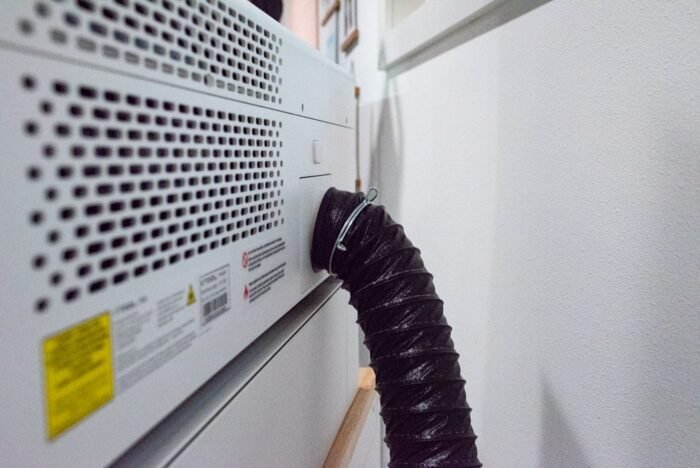
Setup includes positioning the machine, connecting the exhaust system, filling the cooling tank, and linking the machine to software. For users familiar with CO₂ lasers, setup is straightforward. Beginners may need a bit of time to understand cooling, ventilation, and safety, but once configured, the machine is stable and reliable.
Cutting and Engraving Performance
Power is where the xTool P2S truly shines. Its 55W CO₂ laser allows it to handle thick wood and acrylic that diode lasers struggle with. It delivers clean cuts, smooth edges, and strong penetration, making it suitable for sign making, personalized products, acrylic crafts, woodworking projects, and business production tasks.
The xTool P2S can cut and engrave a wide variety of materials, including:
- Hardwood and plywood
- Acrylic, including clear and colored sheets
- Leather and fabrics
- Paper, cardboard, and rubber
- Glass and stone for engraving
- Coated metals and anodized aluminum for marking
This material flexibility opens up opportunities for home décor creators, Etsy sellers, brand merchandise makers, educators, and prototype developers.
Software and Daily Workflow
The xTool P2S works with xTool’s Creative Space software, which supports common design formats such as SVG, DXF, JPG, and PNG. The software includes layout tools, preview functionality, and user-friendly controls suitable for both beginners and experienced users.
For advanced users, the machine can also work with professional third-party software, offering greater control over settings, layers, power values, and production workflows. This dual-software compatibility ensures flexibility depending on your experience level and project requirements.
Safety Features
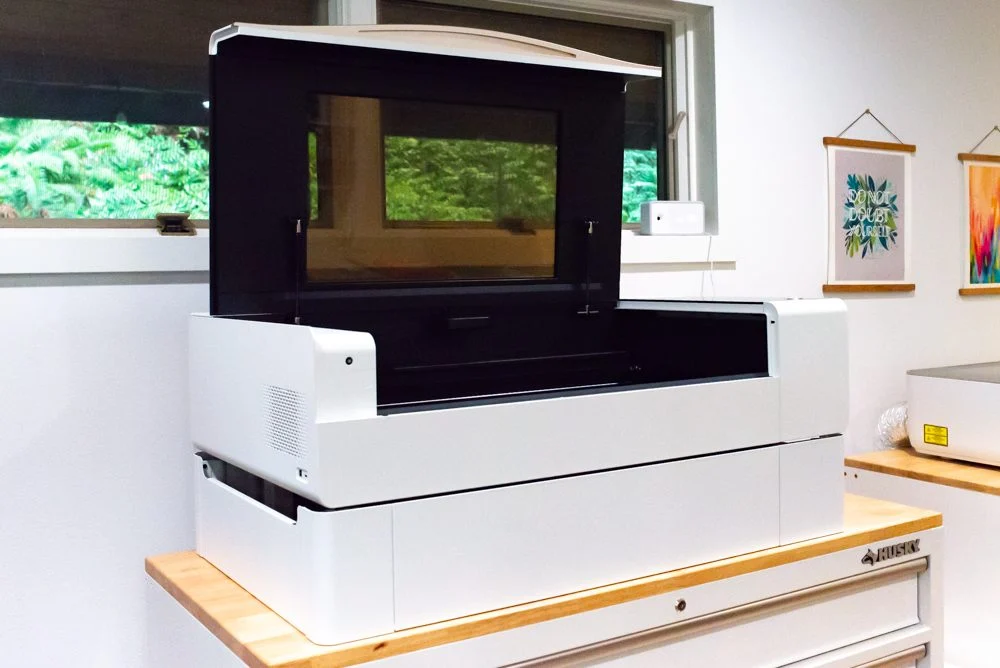
As a CO₂ laser, safety is essential, and the xTool P2S includes several thoughtful safety elements. It has a fully enclosed design to help reduce exposure to laser light and smoke. The lid locks automatically to prevent operation while open, and the tinted cover helps protect eyesight while still allowing users to monitor the job.
Additionally, built-in fire sensing and shutdown protection help minimize risks associated with heat buildup or unexpected material ignition. These safety systems make the machine suitable for studio environments, workshops, and business settings where reliability and protection matter.
Real-World Usage and Quality
In real-world use, the xTool P2S performs impressively well. Cutting is powerful and consistent, even on dense materials. Acrylic cutting is especially strong, producing smooth, polished-like edges that are difficult for diode lasers to achieve. Wood cuts are precise and visually clean when configured correctly.
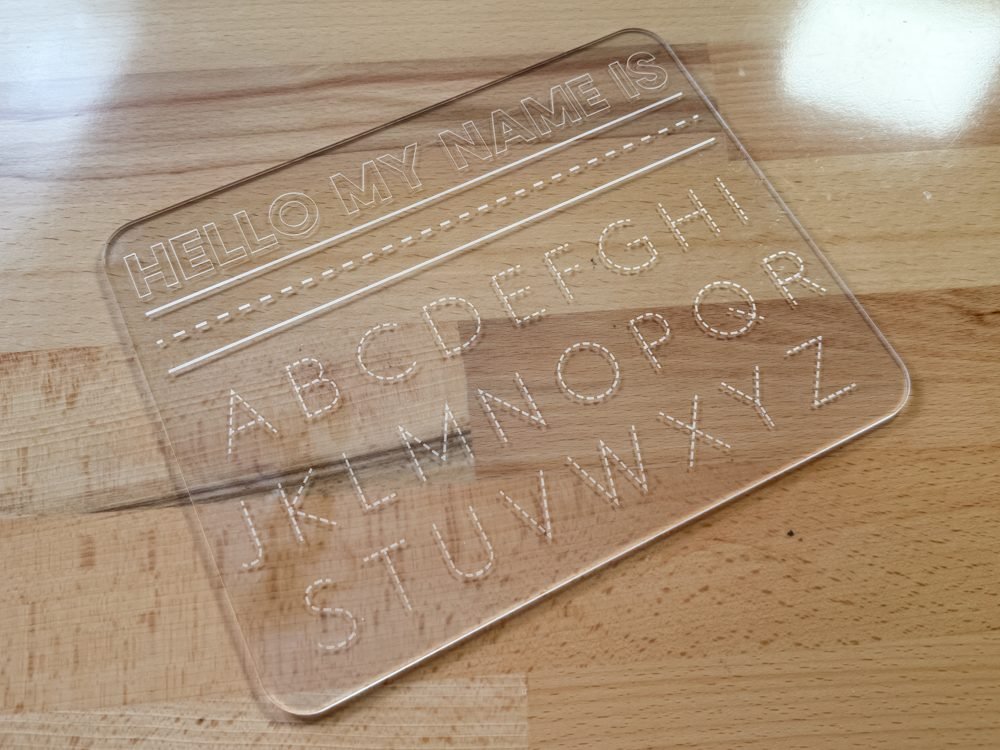
Engraving quality is also noteworthy. Fine text, detailed graphics, patterns, and intricate logos appear sharp and well-defined. With proper settings, users can balance speed and quality effectively, making the xTool P2S useful for both creative experimentation and business-scale production.
Pros of the xTool P2S
There are many reasons why the xTool P2S receives positive feedback:
- Strong 55W CO₂ laser power suitable for thick cutting and deep engraving
- Large working area suitable for big designs or multiple pieces at once
- Excellent material compatibility across wood, acrylic, leather, glass, and more
- Good safety design with enclosure, sensors, and protections
- Flexible software options, supporting both beginners and advanced users
These strengths position the xTool P2S as a capable machine for serious hobbyists and professional creators alike.
Cons and Considerations
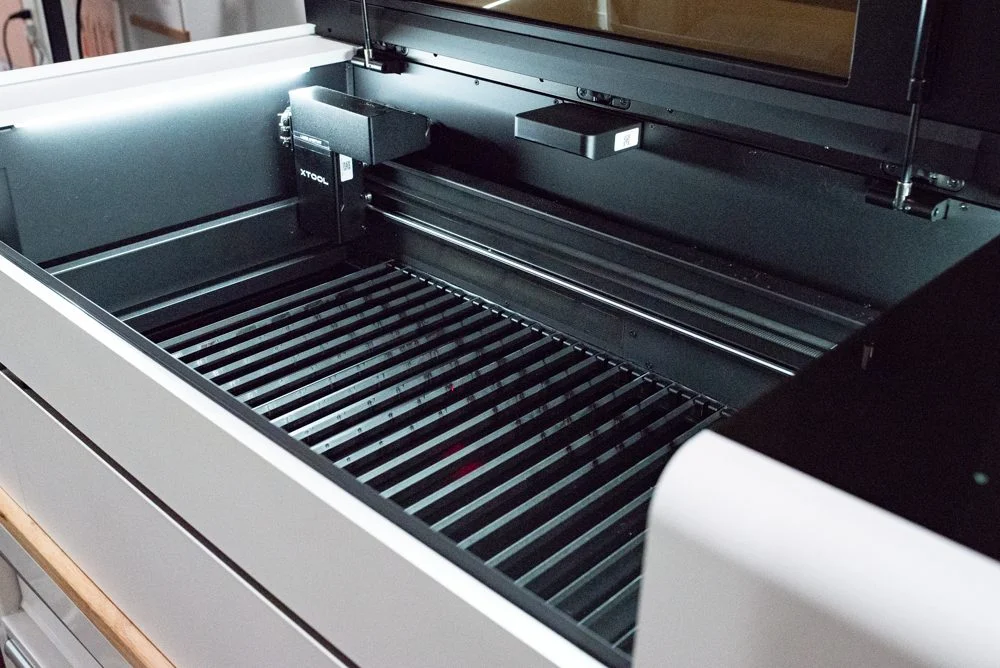
Despite its strong performance, the xTool P2S does have some considerations potential buyers should note. The standard work bed uses slatted supports, which may allow very small parts to fall through, meaning some users may want additional accessories.
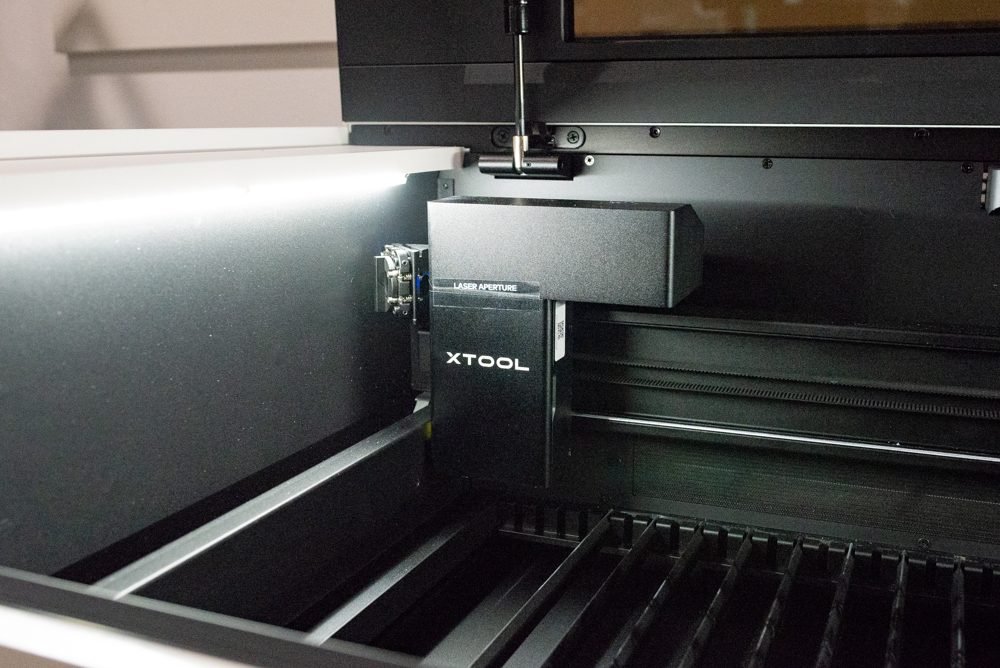
Height clearance is limited without a riser base, so engraving or cutting taller objects may require purchasing extra equipment. Like most CO₂ lasers, it also requires proper ventilation and routine maintenance, including cleaning lenses and monitoring coolant.
Support and software learning may also vary depending on user experience, so beginners should expect a learning period.
Final Verdict: Is the xTool P2S Worth Buying?
Overall, this xTool P2S review finds that the machine delivers powerful performance, excellent cutting capability, strong engraving results, and a good balance of safety and usability. It stands out particularly for users who want to move beyond diode lasers and begin working at a more professional level.
If you are a serious hobbyist, studio owner, craft business operator, or anyone needing a reliable and versatile CO₂ laser machine, the xTool P2S is a highly compelling option. With its combination of power, precision, and flexibility, it earns its place as one of the most capable desktop CO₂ laser cutters in its class.
👉 Learn more about the product here:
xTool P2 vs. OMTech Polar: Which CO₂ Laser Cutter Is Worth It?
DIY Shopping Guide