In Summary
When it comes to laser cutters and engravers, xTool offers a range of solutions that fit different creative needs and budgets. Two of the most talked-about models are the xTool F2 and the xTool P3. While both are capable machines, they serve very different purposes. This comparison review will break down the key differences, strengths, weaknesses, and best use cases for each, helping you decide which one is right for your workshop.
1. Overview: What Are xTool F2 and xTool P3?
xTool F2
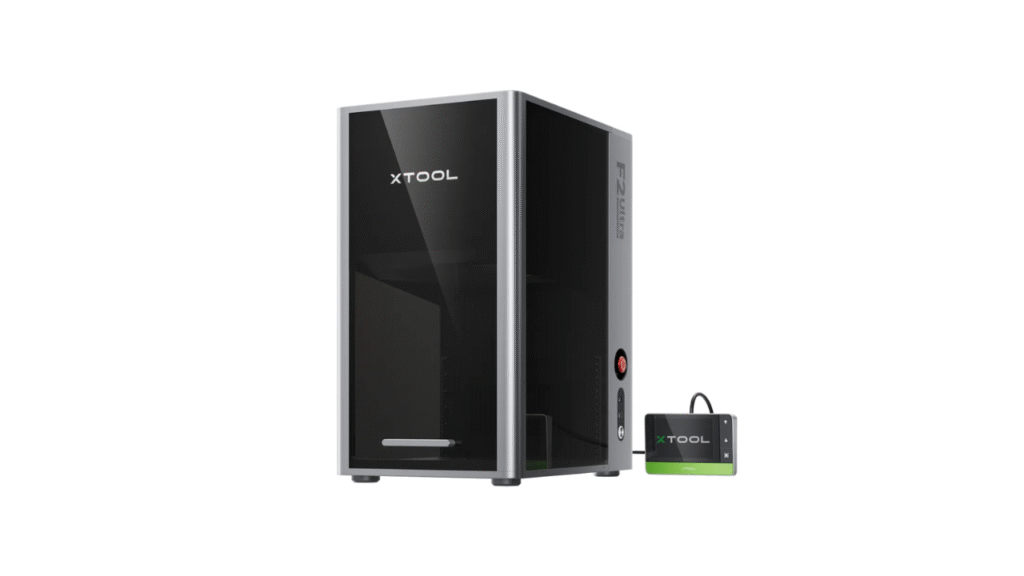
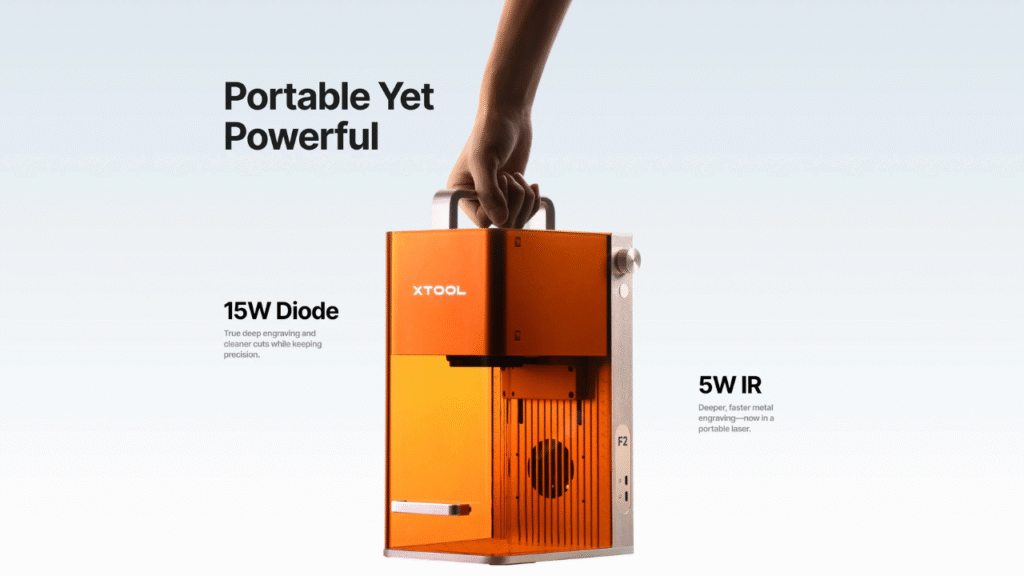
The xTool F2 is a portable dual-laser engraver that combines a 5W IR laser with a 15W visible diode laser. It’s compact, versatile, and designed to engrave a variety of materials, including metals and non-metal substrates. Its strength lies in flexibility and accessibility, especially for hobbyists and small business users.
xTool P3
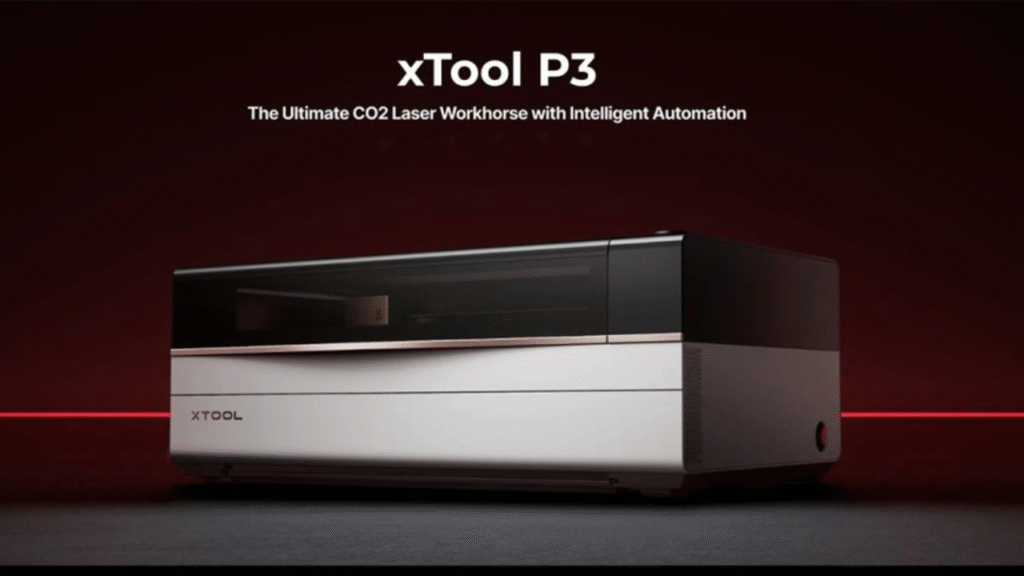
The xTool P3 is a flagship 80W CO₂ laser cutter and engraver built for professional and commercial use. It delivers high power, a large working area, and advanced automation features, making it a more robust solution for heavy workloads, large projects, and businesses that require deep cutting or production-level performance.
2. Laser Technology and Power
xTool F2 – Dual Laser for Versatility
- 5W IR Laser: Best for metal engraving and marking, including anodized surfaces.
- 15W Diode Laser: Excellent for engraving wood, acrylic, leather, leather, and other softer materials.
The dual system allows the xTool F2 to handle a broad range of materials without needing multiple machines. However, both lasers are optimized for engraving and light cutting and are not designed for deep cutting through thick materials.
xTool P3 – 80W CO₂ Laser for Heavy Duty
The xTool P3 uses a powerful 80W CO₂ laser tube, which provides:
- Deeper cutting ability (e.g., thick wood, acrylic, and other dense materials)
- Faster throughput on tougher substrates
- Cleaner edge results with fewer passes
This makes the P3 more suited for projects that require real cutting power — especially when material thickness or volume is a concern.
Verdict:
If you need deep cutting and high power for heavy materials, the xTool P3 clearly outpaces the F2. However, the xTool F2 shines in everyday engraving and marking with its dual-laser versatility.
3. Material Compatibility
xTool F2
The dual laser system lets the F2 tackle:
- Metals (engraving/marking with IR laser)
- Wood
- Acrylic
- Leather & fabric
- Paper, cardboard
- Some coated surfaces
The F2’s strength is material flexibility in engraving — especially combining metal marking with traditional engraving.
xTool P3
The P3 expands material compatibility further thanks to its CO₂ laser:
- Thick wood up to several centimeters
- Large acrylic sheets
- Leather & fabric
- Rubber & cork
- Engraving on glass and ceramic
- Coated metals (for marking or etching, not deep cutting metal)
The CO₂ laser on the P3 allows deeper cutting and more versatility in both engraving and cutting tasks.
Verdict:
While the F2 handles more diverse small-scale engraving tasks, the P3 supports broader material thickness and cutting capability.
4. Workspace and Project Scale
xTool F2
- Portable & compact — ideal for desktops
- Best for small projects, personal art, gifts, small business engraving
- Limited cutting depth and area compared to CO₂ systems
xTool P3
- Large working area — supports bigger materials or batch production
- Great for signage, product manufacturing, architectural models
- Designed for continuous heavy use
Verdict:
For small, lightweight tasks — especially where portability matters — F2 is ideal. For large format jobs and high-volume production, P3 stands out.
5. Ease of Use and Software
Both machines use intuitive control software that supports common file formats and preview tools. They also offer camera previews and position alignment features. However, the workflow differs based on design intent:
xTool F2
- Quick setup
- Great for makers and casual users
- Software optimized for engraving and marking tasks
xTool P3
- More advanced controls for cutting and automation
- Better suited for users needing batch workflows or precision cutting alignment
- Slightly steeper learning curve but higher professional payoff
Verdict:
The F2 is more beginner-friendly, while the P3 offers deeper control for scaling operations.
6. Safety and Build Quality
Both models from xTool place a strong emphasis on safety — essential for any laser system.
Common Safety Features
- Enclosed housing (especially strong on P3)
- Emergency stop
- Stable, vibration-resistant construction
The xTool P3’s size and build quality make it feel more like a production-ready workstation, whereas the xTool F2’s portable frame is secure but naturally lighter.
7. Cost Comparison
xTool F2
- Generally more affordable
- Lower maintenance cost
- Good value for engraving and light cutting
xTool P3
- Higher initial investment
- Justified by the larger laser power, advanced automation, and broader utility
- Investments return quickly in businesses that need professional outcomes
Verdict:
If budget is a major concern and your projects are mostly engraving/marking, F2 delivers excellent value. If you need deeper cutting and bigger workloads, P3 offers long-term worth.
8. Pros and Cons Side-by-Side
| Feature | xTool F2 | xTool P3 |
|---|---|---|
| Laser Type | Dual: 5W IR + 15W Diode | 80W CO₂ |
| Portability | High | Moderate |
| Power | Medium (engraving focus) | High (cutting & engraving) |
| Material Support | Metal marking + soft materials | Wide range + deeper cutting |
| Workspace | Small | Large |
| Best For | Hobbyists, makers, flexible engraving | Studios, small business, production |
| Price Range | Entry-Mid | Mid-High |
Conclusion: Which One Should You Choose?
Choose xTool F2 if:
- You need a portable engraver for metal and non-metal projects
- You’re a hobbyist, crafter, or small business focused on gifts and engraving
- You want an all-in-one machine without a large budget or workshop space
Choose xTool P3 if:
- You want professional cutting power and deeper material support
- You work on large projects or production runs
- You’re focused on building a business around laser cutting or high-volume output
Both machines are excellent in their respective domains. The xTool F2 excels at compact, flexible engraving, while the xTool P3 dominates heavier cutting and professional workflows.
👉 Learn more about the product here:
xTool P2 vs. OMTech Polar: Which CO₂ Laser Cutter Is Worth It?
DIY Shopping Guide