Last updated: June 3, 2026. For e-commerce entrepreneurs looking to avoid long shipping times and low product quality, learning How to Start Dropshipping with Spocket provides a direct connection to reliable US and EU suppliers. This tutorial provides a practical roadmap to link your Shopify storefront, source fast-shipping products, and establish sustainable margins.
In Summary
Succeeding in How to Start Dropshipping with Spocket requires a disciplined setup: prepare your Shopify settings, install Spocket, filter for local US/EU suppliers, customize your listings, and control subscription renewal schedules. This ensures shipping consistency and high customer satisfaction.
Why Sourcing from US/EU Suppliers Matters in 2026
Customer expectations for shipping speed are higher than ever, and long transit times from overseas manufacturers can hurt conversion rates and repeat business. Spocket addresses this by sourcing a large percentage of its catalog from suppliers based in the United States and Europe. Sourcing locally allows you to offer shipping times of 2 to 7 days, which helps reduce customer complaints, decreases chargebacks, and builds long-term brand trust.
Step 1: Preparing Your Shopify Store for Spocket
Before connecting Spocket, set up your Shopify store defaults. Make sure you establish clear shipping zones and shipping rates that align with US/EU fulfillment. Additionally, set up your payment processor and test the checkout flow to ensure customer payments are handled correctly. Having these operational systems ready prevents data sync conflicts when importing your new Spocket products.
Step 2: Linking Spocket to Shopify
Navigate to the Shopify App Store, search for Spocket, and click install app. You will be redirected to the Spocket dashboard to create an account. The Shopify integration syncs your inventory levels, product updates, and order details in real-time. This automated linkage is essential because it passes customer shipping data directly to Spocket when an order is placed and updates tracking numbers automatically once items ship.
Step 3: Researching Curated US/EU Suppliers
On the Spocket dashboard, use search filters to find products that match your store's niche. You can filter by ship from and ship to locations to target local fulfillment. Always check supplier badges, fulfillment success rates, and average processing times. Sourcing from top-performing suppliers ensures that orders are processed quickly and products match the description, protecting your brand reputation.
Step 4: Importing Products and Setting Markup Rules
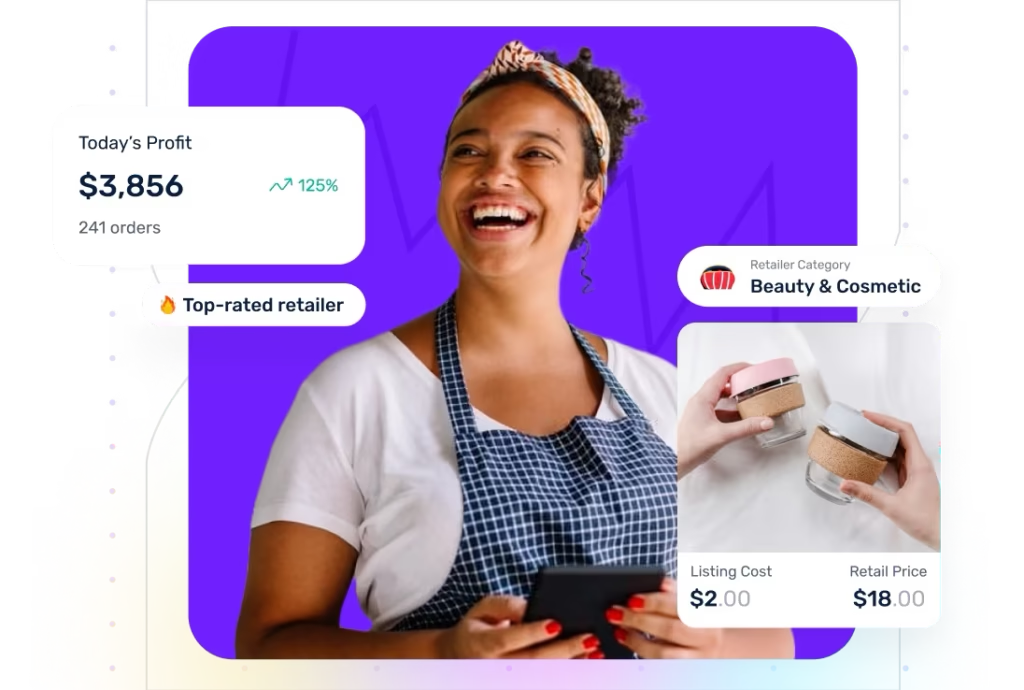
When you find a high-quality product, click add to import list. In the import list tab, optimize the product title, edit the description to fit your brand voice, and select the best product images. Set your pricing rules carefully. Spocket suggests a manufacturer retail price (MSRP), but you should calculate your retail price to cover Spocket subscription costs, transaction fees, and shipping costs while maintaining a healthy net profit margin.
Step 5: Processing Orders and Tracking Shipments
When a customer buys a Spocket product on your store, the order appears on your Spocket dashboard. Review the customer information and click checkout to pay the wholesale product and shipping costs. The supplier then processes, packages, and ships the item directly to the customer. Spocket syncs the tracking details back to your Shopify store, triggering Shopify's automated shipping notification email to keep the customer updated.
Understanding Spocket Subscription Tiers and Billing
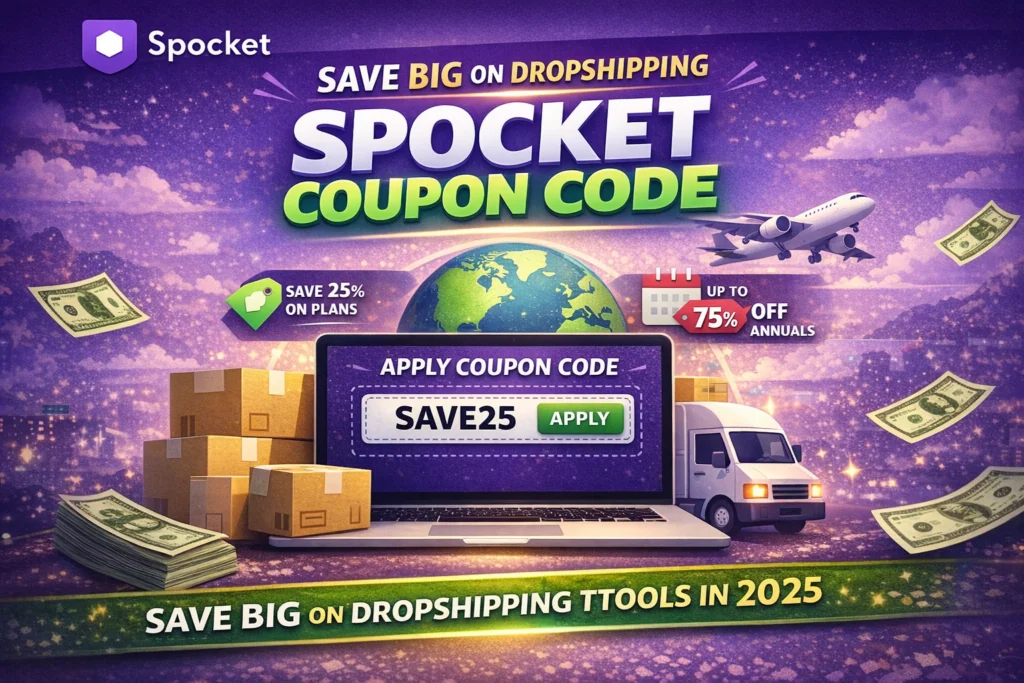
Spocket offers several subscription plans, including Starter, Pro, and Empire tiers, each providing access to different catalog sizes and premium products. While they offer a free trial, you must monitor your renewal date to avoid unexpected subscription costs. To minimize fixed overhead, start on a monthly plan to validate your sales funnel. For detailed discount guides, check out the Spocket Coupon Code 2026 post.
Key Sourcing Best Practices for Shopify Stores
Always order product samples before running ads to check packaging quality and product durability. Additionally, keep a log of supplier response times and shipping delays. If a supplier fails to process orders within their stated window, replace them immediately. Consistent fulfillment quality is more important than small wholesale price differences when it comes to long-term customer retention.
Managing Customer Returns and Refund Rules
Every Spocket supplier has a specific return policy, ranging from no returns to 30-day return windows. Read the return policy of each supplier before importing their products. Standardize your Shopify store's return policy to align with your suppliers' rules to avoid paying for returns out of pocket. For more context on platform features, read our Zendrop vs Spocket comparison.
Internal Resources for Shopify Sourcing
To compare different tools, check our best dropshipping platforms list. For alternative supplier strategies, read our step-by-step guide on Zendrop Promo Code 2026. You can also explore general guides on our homepage Engilover e-commerce resources.
CTA 1: Get Spocket Active Discounts
Ready to start? Access verified Spocket offers to reduce your subscription fees.
CTA 2: Compare Dropshipping Deal Hub
Check multiple platform coupons on CouponPopper to find the best deals for your store.
Recommended Spocket Reviews
To evaluate if the supplier catalog fits your store's setup, see our walkthrough: Spocket Review 2026.
FAQ
Can I use Spocket for free?
Spocket offers a free trial that allows you to browse the catalog, but you must subscribe to a paid plan to import products and sync orders.
Are all Spocket suppliers located in the US and EU?
No, while a large percentage of suppliers are based in the US and Europe, Spocket also includes vetted global suppliers from other regions.
Does Spocket handle shipping automatically?
Yes, once you pay the wholesale product and shipping costs on Spocket, the supplier packages and ships the item directly to your customer.
Can I customize product packaging on Spocket?
Spocket supports branded invoicing, which prints your logo and shop info on the packing slips sent to your customers.
Final Takeaway
Understanding How to Start Dropshipping with Spocket is about prioritizing customer experience through fast shipping and high supplier quality. Set clear markup rules to protect your margins.