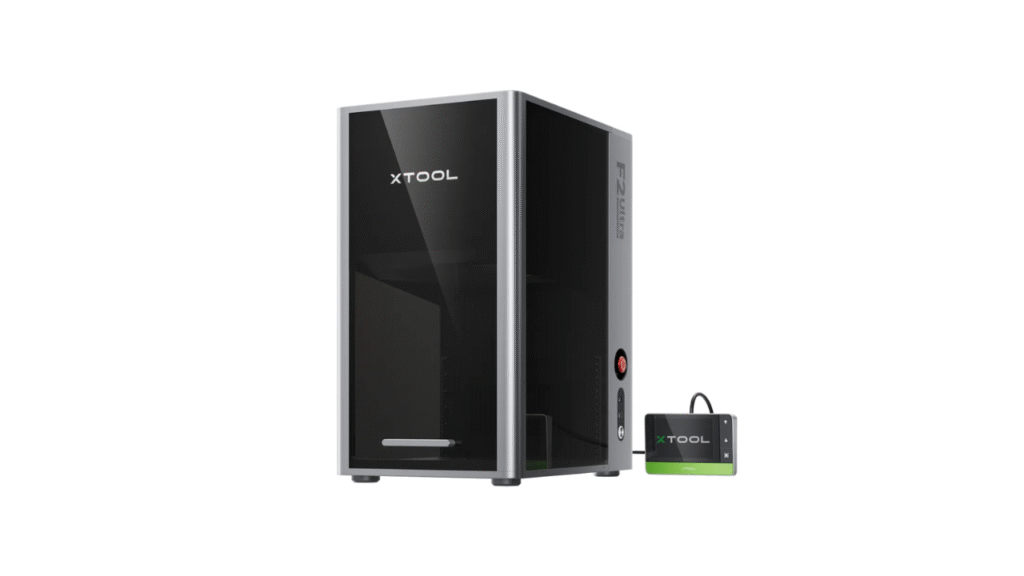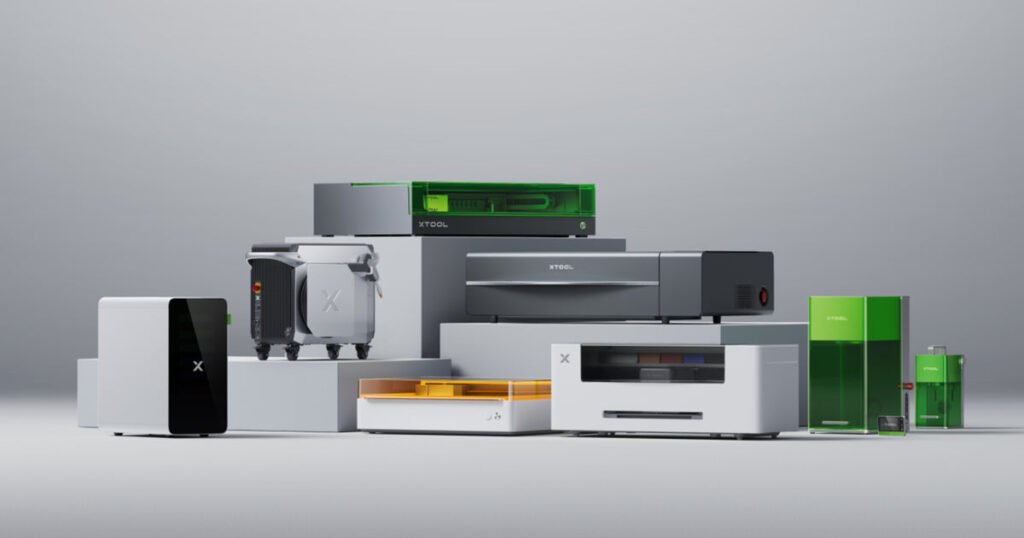
If you are deciding between multiple xTool machines, the official machine comparison page is one of the best starting points. xTool positions each lineup for a different workflow, from high-power CO2 production to portable engraving and multi-function craft making.
Buy xTool products using a coupon to get a discounted price (CouponPopper.com is a web of Engilover)
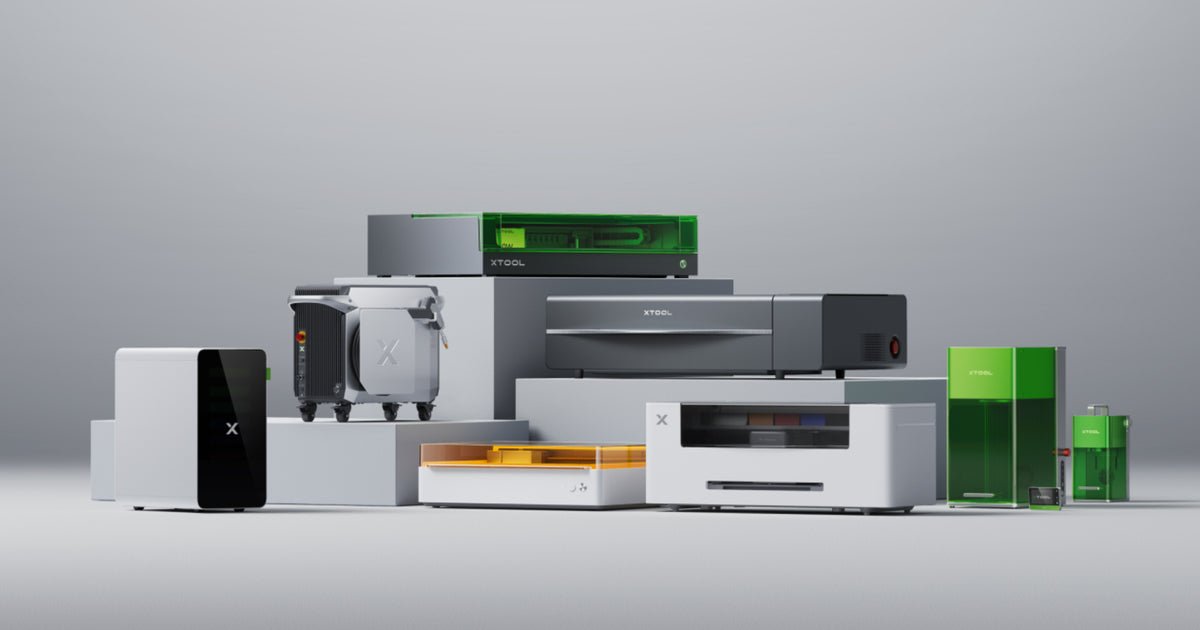
1. What the xTool machines comparison focuses on
The page compares key factors that directly affect purchase decisions: machine type, working area, processing speed, cut/engrave capability, and software workflow. Instead of treating all devices as similar, it separates use cases by business and production goals.
2. Main product families and where they fit
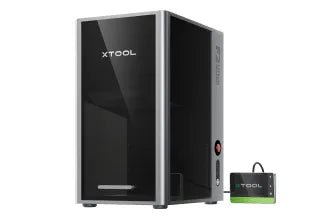
P Series (CO2) is positioned for larger workspace and stronger cutting throughput. This is usually the better direction when you prioritize production speed and thicker material processing.
F Series is positioned for precision and faster personalization use cases, especially where portability or on-site customization matters.
S1 targets users who want an enclosed desktop workflow with beginner-friendly operation and broad day-to-day project coverage.
M1 Ultra is framed as a multi-function craft machine for mixed making workflows beyond only laser tasks.
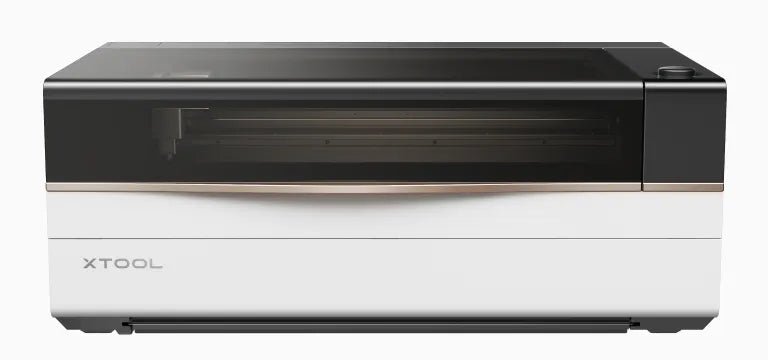
3. How to choose the right xTool machines setup
- Choose by material priority first: wood, acrylic, coated metal, glass, or mixed materials.
- Then choose by output model: one-off customization, batch production, or hybrid workshop use.
- Check workspace limits and speed targets before looking at accessories.
- Confirm software and camera workflow needs if repeat accuracy matters.
4. Why this matters for purchase efficiency
Most buying mistakes happen when users choose based on headline specs only. A proper xTool machines comparison helps avoid overspending on unused capability or underspending on core features you need every day.
5. Quick buying framework
- If your priority is strong CO2 cutting with larger job handling, start with P Series.
- If your priority is precision marking and flexible personalization, compare F Series options first.
- If you want a balanced enclosed desktop workflow, evaluate S1 configurations.
- If you need mixed craft capabilities in one platform, review M1 Ultra scenarios.
Conclusion
The official comparison makes it clear that different xTool machines serve different production goals. Start from material and workflow requirements, then map to machine family. This approach consistently leads to better ROI than picking by price alone.
Source: xTool Laser Machine Comparison page.
6. Quick Feature Snapshot for xTool machines
- P Series: stronger CO2 cutting and larger workspace for throughput-oriented work.
- F Series: precision-focused customization and faster marking workflows.
- S1: enclosed desktop setup for balanced daily laser tasks.
- M1 Ultra: multi-function workflow for creators who need more than one process type.
7. FAQ about xTool machines
Which xTool machines are best for beginners?
For many users, S1 is a practical starting point because it balances usability and capability in an enclosed desktop form.
Which xTool machines are better for production speed?
P Series is generally better when your workflow prioritizes larger jobs and stronger CO2 throughput.
Can xTool machines support both hobby and business use?
Yes. The lineup is segmented so hobby users and business teams can choose by material, speed, and workspace goals.
Related reading: xTool Selected Materials Guide and xTool WonderPress Guide.
Buy xTool products using a coupon to get a discounted price (CouponPopper.com is a web of Engilover)
New Recommended Reads
For purchase-stage savings: xTool Promo Codes 2026: Verified Deals & Savings Guide.
For model selection: xTool M1 Ultra vs P2S vs F1 Ultra: Which One Should You Buy?.
xtool machines: practical summary
This section keeps xtool machines aligned with real user intent and better decision quality.
xTool machines buyer framework for real projects
Choosing between xTool machines is easier when you map each model to a practical workflow. Start by defining your main output category: personalization, batch cutting, mixed materials, or precision marking. Then compare speed, material range, and maintenance cost instead of only comparing headline power numbers.
In most studios, the correct xTool machines decision comes from production rhythm and material consistency. A machine that looks stronger on paper can still underperform if it does not match your daily process, accessory plan, and safety workflow.
How to reduce buying risk when comparing xTool machines
- List your top 5 materials and confirm compatible operating ranges.
- Estimate average order volume before selecting machine class.
- Budget for accessories and maintenance from day one.
- Validate current discounts before final checkout.
Related xTool resources
- xTool selected materials practical guide
- xTool WonderPress workflow guide
- xTool promo codes 2026
- Check verified xTool coupon deals
Recommended Trust & Coupon Validation Reads
Best Coupon Sites for Maker Tools in 2026
How to Validate a Promo Code Before Checkout
Affiliate Disclosure + Deal Verification Methodology
New Competitor Comparison Reads
xTool vs OMTech: ROI comparison
xTool vs Glowforge: buyer comparison
Best xTool alternatives in 2026
Related resources
<!– DAY4_ENGI_RELATED_LINKS_20260517 –>
FAQ
How should I evaluate xTool before buying?
Validate use-case fit, total checkout value, and workflow requirements before final payment.
What is the biggest buyer mistake?
Comparing headline discounts without checking plan scope, exclusions, and final cart economics.
Should I verify deals before checkout?
Yes. Always re-check active offers and compare final totals in one checkout session.
<!– DAY4_ENGI_FAQ_20260517 –>
<!– DAY4_ENGI_BREADCRUMB_SCHEMA_20260517 –>
<!– DAY4_ENGI_ARTICLE_SCHEMA_20260517 –>