

The xTool WonderPress page positions the machine as a new-generation heat transfer system focused on speed, consistency, and creative flexibility. Instead of functioning like a basic flat heat press, WonderPress is presented as a modular platform that supports multiple transfer scenarios in one workflow.
Buy xTool products using a coupon to get a discounted price (CouponPopper.com is a web of Engilover)

What xTool WonderPress is designed for
According to the page messaging, xTool WonderPress is built for creators and small production teams that need more than standard flat pressing. The product focus is not only speed, but repeatable quality across different transfer tasks.
The positioning line on the page highlights it as a highly creative 3D auto heat press, which aligns with the modular workflow shown in the FAQ content.
Modular structure: switch modes without tools
One of the strongest points on the page is the modular, tool-less design. The workflow describes quick switching between modules such as Heat Press, 3D Form, and Craft Oven in seconds, without screws or additional tools.
For real usage, this is important because setup friction is usually what slows down custom order production. A faster mode switch can save meaningful time over repeated daily jobs.
Why the WonderPress heat transfer model stands out
The page emphasizes four technical improvements over traditional presses, including a clear claim around 2X heat density for more even heat distribution. In practical terms, this addresses a common issue with standard presses: uneven edges and unstable transfer zones.
For users producing customer-facing products, consistent edge-to-edge transfer quality is often more valuable than raw headline power.
Buy xTool products using a coupon to get a discounted price (CouponPopper.com is a web of Engilover)
3D transfer capability with vacuum-suction workflow
A key differentiation is the advanced vacuum-suction approach used for 3D transfer applications. Instead of limiting output to flat surfaces, WonderPress is described as enabling full-wrap style transfers on curved objects.
The page examples include objects like phone cases and badges, which indicates a stronger fit for customization businesses that want broader product catalogs beyond shirts and flat fabric work.

DTF workflow: curing and pressing in one station
For DTF users, the page frames WonderPress as an all-in-one finishing station that combines curing and pressing in a more compact setup. This matters for teams currently using separate equipment, where space and process handoff can create inefficiencies.
In short, the value proposition is reduced footprint, lower process complexity, and more consistent output when handling DTF jobs repeatedly.
Who should consider xTool WonderPress
- Small studios handling mixed transfer jobs (flat + curved products).
- DTF users looking to simplify curing and pressing steps.
- Custom product sellers who need faster switching between production modes.
- Creators who care about repeatability, not just one-off demos.
Final take
Based on the official page content, xTool WonderPress is designed as a flexible production tool rather than a single-function press. The combination of modular switching, 2X heat density claims, 3D vacuum-suction transfer, and integrated DTF finishing gives it a clear position in creator and small-business workflows.
Source: xTool WonderPress official page.
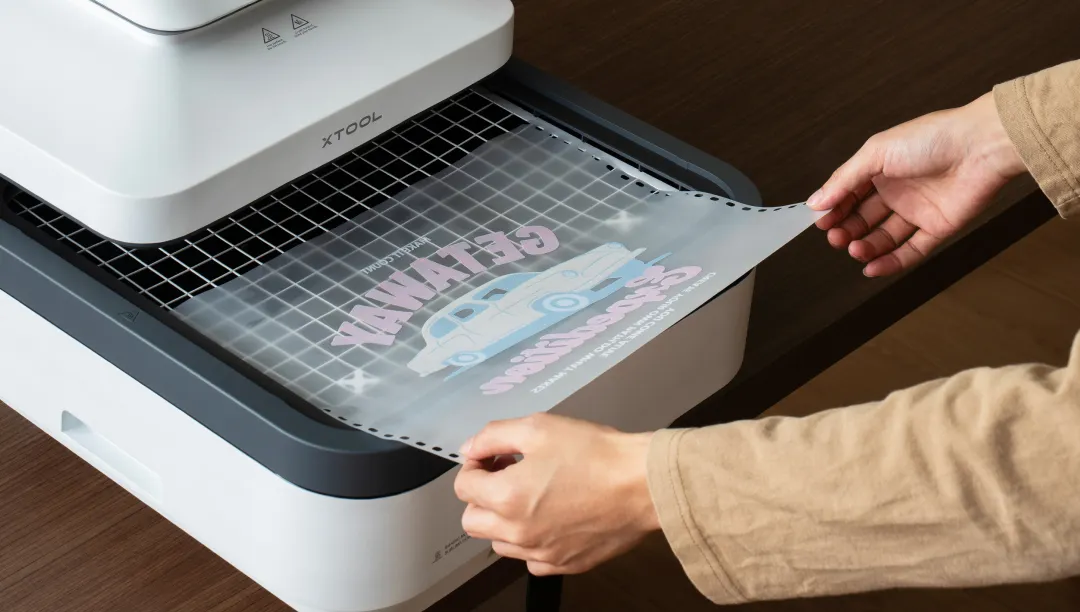
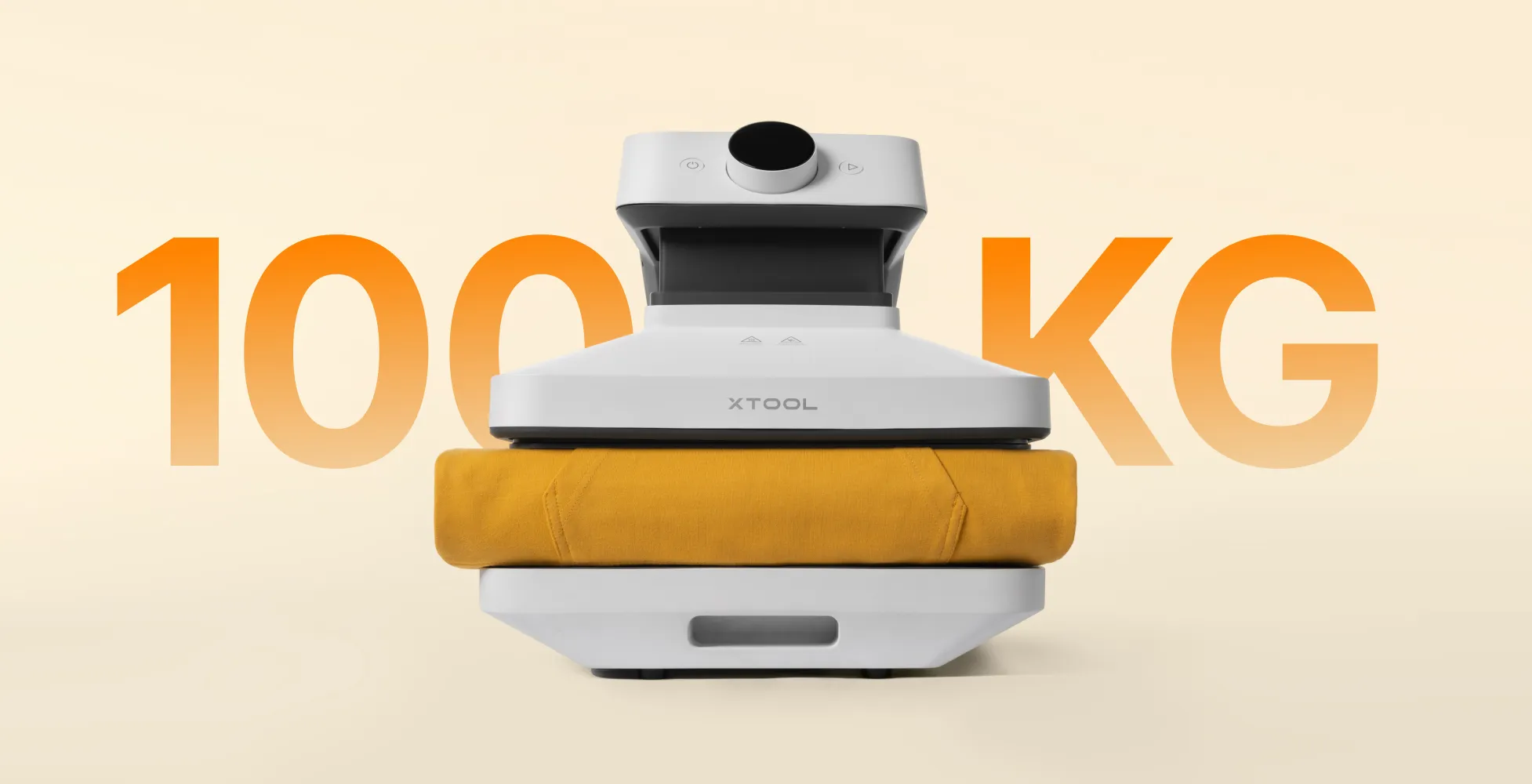
Rank Math Checklist for xTool WonderPress
- Primary topic is clearly focused on xTool WonderPress.
- Keywords xtool and wonderpress appear naturally in title, headings, intro, and conclusion.
- Includes source link to the official xTool WonderPress page and visual examples for context.
- Uses clean heading hierarchy matching the existing site style.
Buy xTool products using a coupon to get a discounted price (CouponPopper.com is a web of Engilover)
xtool wonderpress: practical summary
This section keeps xtool wonderpress aligned with real user intent and better decision quality.
xTool WonderPress workflow setup checklist
The xTool WonderPress works best when users plan a repeatable setup process. Build your first workflow around stable transfer settings, fabric compatibility, and batch timing. For most small shops, consistency across repeated jobs is more valuable than peak speed in isolated tests.
When evaluating xTool WonderPress, include the full operating context: material prep time, press cycle, cooling rhythm, and quality control after transfer. This gives a realistic view of actual production capacity.
When xTool WonderPress is a strong fit
- Custom apparel orders with repeatable SKU patterns.
- Small business personalization where consistency matters most.
- Makers who want reliable transfer results without trial-heavy setup.
Helpful links before purchase
- xTool machines comparison guide
- xTool selected materials practical guide
- xTool Mothers Day sale guide
- Open xTool coupon deals
Related resources
<!– DAY4_ENGI_RELATED_LINKS_20260517 –>
FAQ
How should I evaluate xTool before buying?
Validate use-case fit, total checkout value, and workflow requirements before final payment.
What is the biggest buyer mistake?
Comparing headline discounts without checking plan scope, exclusions, and final cart economics.
Should I verify deals before checkout?
Yes. Always re-check active offers and compare final totals in one checkout session.
<!– DAY4_ENGI_FAQ_20260517 –>
<!– DAY4_ENGI_BREADCRUMB_SCHEMA_20260517 –>
<!– DAY4_ENGI_ARTICLE_SCHEMA_20260517 –>

