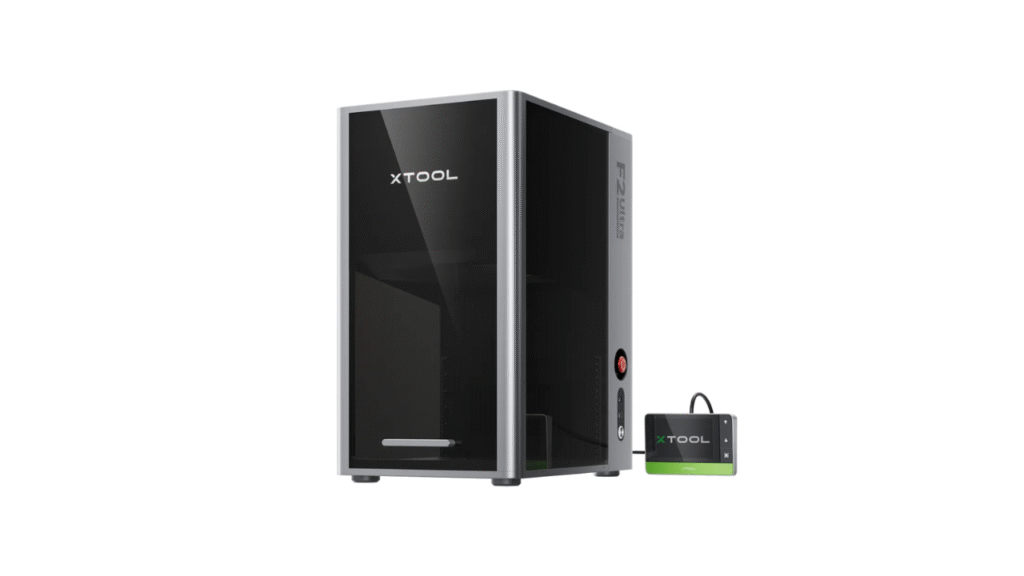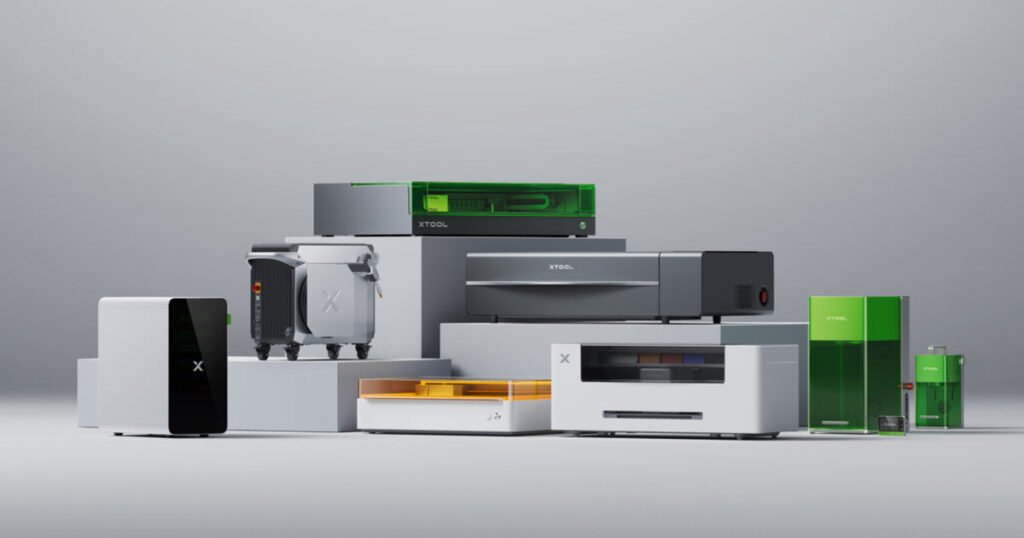
If you are using an xTool machine for laser cutting or engraving, choosing the right xTool materials from the start helps you reduce failed runs, shorten setup time, and improve final quality. Based on the xTool Selected Materials page, you can follow a clear workflow that works for both beginners and production teams.
Table of contents
- New Recommended Reads
- xtool selected materials: practical summary
- How to work faster with xTool selected materials
- Common mistakes to avoid
- Related guides and savings links
- xtool selected materials: extended buying notes
- xTool selected materials: final optimization notes
Buy xTool products using a coupon to get a discounted price (CouponPopper.com is a web of Engilover)
1. Materials are organized by real project use cases
One strong point of the Selected Materials page is how it groups xTool materials by practical output categories. Common groups include:
- Plywood
- Acrylic
- Metal
- Tumbler
- Glass
- Clothing
- Jewelry
- Paper
- Display & Packaging
- Screen Printing
- Sublimation
- Vinyl
- Hardwood
This structure is useful when you produce multiple product lines such as gifts, accessories, decor items, and personalized products.
2. Filter materials by the exact xTool machine you use
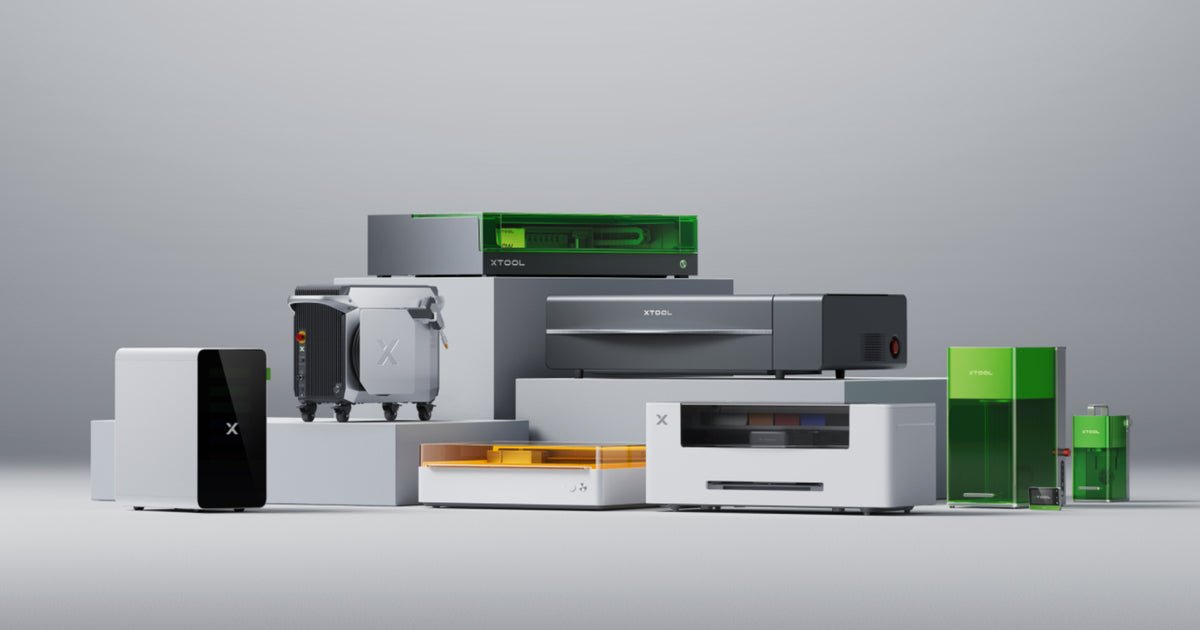
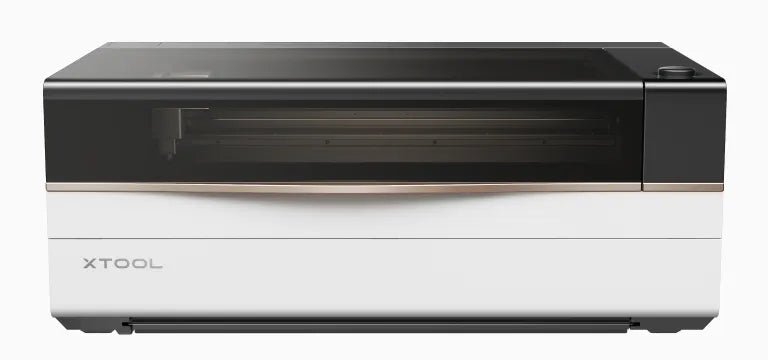
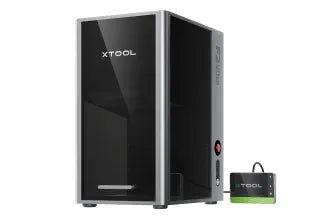
The page also includes a Shop by xTool Machines section. Machine groups shown on the page include xTool P Series, xTool S1, xTool F2 Ultra, xTool F1 Ultra, xTool M1 Ultra, xTool Screen Printer, xTool Apparel Printer, xTool MetalFab, and xTool Selected HP2.
This matters because the same material can require different speed, power, and pass settings across diode, CO2, fiber, and UV systems.
3. Improve consistency with Material Settings and Atomm
For repeatable production, the Material Settings area is the most important part of the workflow. According to the page, Atomm can provide:
- 500+ material parameter sets
- 5,000+ parameter effect previews
Using a settings library reduces trial-and-error time and improves consistency across xTool materials batches.
4. Operational notes you should follow
- Inspect received materials early (the page suggests checking within one week).
- Report quality issues quickly to speed up support and replacement handling.
- Run a small test sample before full production.
- Save proven presets for each material to reuse later.
5. Cost advantages for frequent buyers
The page also mentions a material discount card model with reference benefits such as:
- Extra 20% off for most xTool Selected materials (excluding Apparel Printing materials).
- 50% off for Clearance products.
If you process material orders weekly or at business scale, this can significantly improve your material cost structure.
Conclusion
xTool Selected Materials is not just a catalog. It is a practical system for selecting xTool materials, filtering by machine, and applying tested settings. When used correctly, it helps you reduce setup time, lower processing errors, and keep output quality stable.
Source: xTool Selected Materials
Buy xTool products using a coupon to get a discounted price (CouponPopper.com is a web of Engilover)
FAQ: xTool materials
Which xTool materials are best for beginners?
Start with plywood and acrylic because they are easy to source and predictable in laser tests.
Do xTool materials settings differ by machine type?
Yes. CO2, diode, fiber, and UV systems can require different settings even on the same material family.
Where can I compare more laser guides?
See more posts in Laser Cutter.
New Recommended Reads
For purchase-stage savings: xTool Promo Codes 2026: Verified Deals & Savings Guide.
For model selection: xTool M1 Ultra vs P2S vs F1 Ultra: Which One Should You Buy?.
xtool selected materials: practical summary
This section keeps xtool selected materials aligned with real user intent and better decision quality.
How to work faster with xTool selected materials
Using xTool selected materials can reduce setup errors and improve repeatability across projects. Material consistency is a major factor in output quality because it reduces the need to re-test power and speed for every job.
For small teams, a standard material library saves time and lowers waste. Keep a simple matrix of material type, thickness, and successful settings so your workflow becomes predictable over time.
Common mistakes to avoid
- Mixing unknown materials into production runs without testing.
- Skipping test grids when switching thickness levels.
- Ignoring ventilation and surface prep for specific material groups.
- Using copied settings without checking machine generation differences.
Related guides and savings links
- xTool machines comparison guide
- xTool WonderPress guide
- xTool promo codes 2026 guide
- Check xTool coupon offers
xtool selected materials: extended buying notes
For better outcomes, evaluate xtool selected materials with a workflow-first approach instead of focusing only on discount headlines. Define your target use case, expected output quality, and maintenance capacity. This reduces rework, improves purchase confidence, and protects long-term budget efficiency.
Before checkout, compare accessories, compatibility, and support expectations. Users who plan these items early usually get stronger results and avoid unexpected costs after purchase or repair.
xTool selected materials: final optimization notes
For stable quality, use repeatable test cards for every thickness change and keep one validated settings sheet per material group. This prevents hidden quality drift and reduces waste in production runs.
When teams standardize xTool selected materials usage, they usually reduce setup errors and rework time significantly. A documented material workflow also helps new operators reach consistent results faster.
Related resources
<!– DAY4_ENGI_RELATED_LINKS_20260517 –>
FAQ
How should I evaluate xTool before buying?
Validate use-case fit, total checkout value, and workflow requirements before final payment.
What is the biggest buyer mistake?
Comparing headline discounts without checking plan scope, exclusions, and final cart economics.
Should I verify deals before checkout?
Yes. Always re-check active offers and compare final totals in one checkout session.