Last updated: June 6, 2026. Investing in a laser cutter is a significant financial decision, which makes understanding the official xTool Warranty, customer support paths, and return guidelines critical before purchasing. This guide breaks down standard coverage terms, claim filing processes, and refund rules so you can protect your investment and maintain a productive workflow.
In Summary
The standard xTool Warranty provides a structured 12-month coverage window for primary machine parts and 3-month coverage for consumable elements. Knowing how to document technical faults and prepare return packaging is essential to avoid out-of-pocket repair costs and minimize business downtime.

Understanding the xTool Warranty System
The xTool warranty system acts as a manufacturer agreement designed to protect users against material defects and assembly errors under normal operating conditions. The warranty period begins immediately on the date of delivery. Because warranty details can vary depending on where you purchased the machine, it is highly recommended to register your device on the official xTool website using your serial number to confirm your exact coverage terms.
Warranty Coverage for Different xTool Models
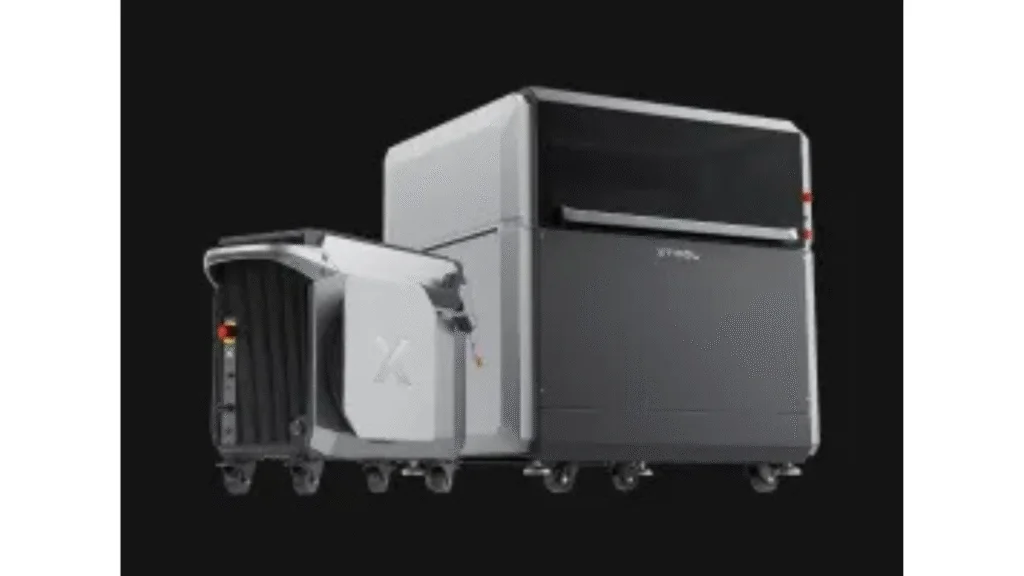
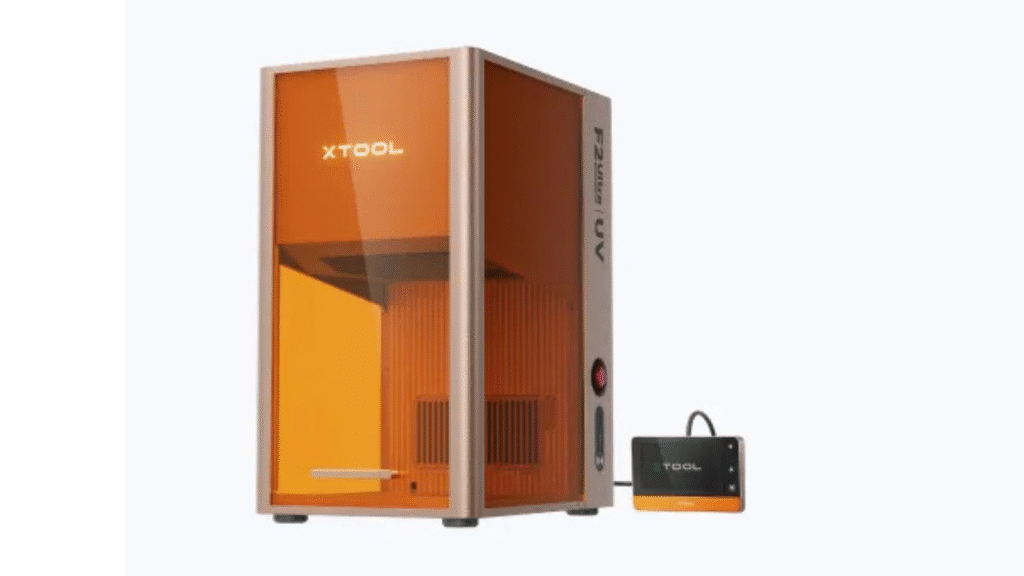
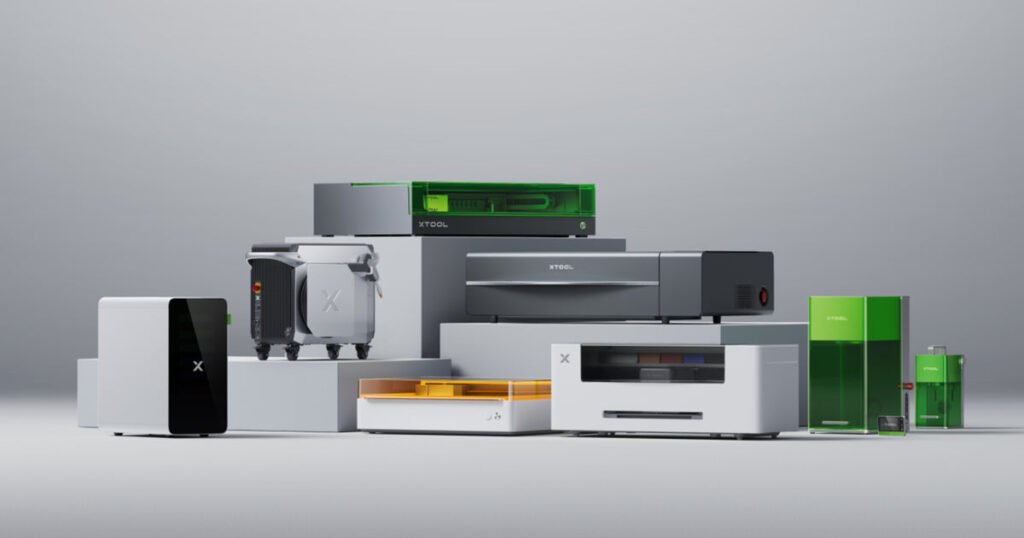
While the overall policy structure remains consistent, specific coverage details differ between model lines. Desktop craft lasers like the xTool M1 Ultra are covered under consumer protection standards, whereas professional platforms such as the xTool P2S or F1 Ultra may feature industrial warranty clauses. Understanding these differences helps operators set realistic expectations for support response times and part replacements during high-volume production cycles.
What Is Covered Under the Standard Warranty Plan
The standard warranty covers primary structural components, control boards, laser head assemblies, and power supplies. If these parts fail due to manufacturing defects during the coverage window, xTool provides replacement parts or coordinates repairs without charging for the parts. It is important to note that the warranty only covers faults that occur during normal, recommended use as outlined in the user manual.
Exclusions and Limitations of the Standard Policy
Several scenarios will void your coverage or are excluded from standard protection. The policy does not cover consumable parts like laser lenses, mirrors, cutting beds, or exhaust filters, which naturally wear down over time. Additionally, damages caused by improper installation, unauthorized modifications, operating without ventilation, or using third-party software like Lightburn incorrectly are not covered. Ensure you operate your machine within standard parameters to keep your protection active.
Understanding the xTool Return Window and Policy
For return policies, xTool provides a standard 30-day return window for unopened and unused machines. If you change your mind within 30 days of delivery, you can request a return. However, if the machine has been opened or used, returns are subject to restocking fees that typically range from 10% to 20% of the purchase price. Refund requests are only processed after the returned machine undergoes a quality inspection at the warehouse.
Requirements for Return Shipping and Packaging
When returning a laser cutter, you must use the original packaging, including the custom molded foam inserts and heavy-duty shipping box. Shipping a heavy laser cutter without original packaging frequently leads to transit damage, which can result in a partial refund or rejection of the return. If you have discarded the original packaging, you will need to purchase a replacement box set from support to ensure safe transit.
Step-by-Step Guide to Filing a Warranty Claim
To file a claim, start by gathering your proof of purchase, machine serial number, and clear documentation of the issue. You must provide photos and high-resolution videos showing the error codes, hardware behavior, or failure patterns. Submit this information through your account dashboard or email support. Clear visual evidence helps the engineering team diagnose the problem quickly and prevents long email threads.
How to Contact xTool Customer Support Effectively
xTool offers support through several channels, including email, online ticket systems, and official user groups. When contacting support, be specific about your machine model, firmware version, and the troubleshooting steps you have already tried. Providing detailed information in your first message helps support agents route your ticket to the correct technical department and reduces the overall resolution time.
Using Support Tickets and Real-Time Chat Channels
For quick diagnostics, the online ticket system is the most reliable channel for tracking hardware claims. While community forums are excellent for general design tips and community support, official warranty resolutions and replacement parts require a formal support ticket. Keep your ticket thread updated with testing results to ensure your case moves forward through the engineering evaluation stages.
Troubleshooting and Pre-Claim Technical Diagnostics
Before submitting a claim, run basic diagnostic tests to confirm the issue is hardware-related. Check power connections, update your operating software, clean the laser lens, and verify mirror alignments. In many cases, issues like weak laser output or engraving alignment offsets are caused by dirty optics or outdated firmware rather than a physical part failure. Performing these checks first can resolve the problem quickly without waiting for support.
Internal Resources and Purchase Strategy
If you are planning to purchase a new machine, check our detailed xTool Promo Codes 2026 guide to optimize your purchase budget. If you are comparing machine options, read the xTool F2 Ultra Review. For settings benchmarks, view the xTool Materials Guide, or check the xTool Creative Space vs Lightburn workflow comparison. You can also explore latest updates on our homepage Engilover main page.
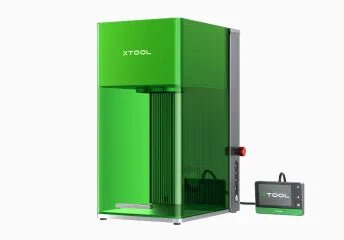
CTA 1: Find Active xTool Promo Offers
Ready to buy? Compare active xTool coupon offers before checking out to save on hardware and warranty packages.
CTA 2: Compare Hardware Deal Hub
Browse CouponPopper to find verified discount codes and active promotions for laser engravers and accessories.
FAQ
How long is the standard xTool Warranty?
The standard warranty is 12 months for primary parts (such as control boards and motors) and 3 months for consumable parts (like laser modules and lenses).
Can I return an opened xTool machine?
Yes, within 30 days of delivery, but returned items that have been opened or used are subject to restocking fees and return shipping fees.
Does the warranty cover damage from third-party software?
No, the warranty only covers defects in materials and workmanship. Damage caused by user error or incorrect software parameters is not covered.
What is the best way to contact support for a claim?
The official ticket submission system on the xTool website is the most reliable way to initiate a warranty claim and track progress.
Final Takeaway
Understanding the details of your xTool Warranty helps you protect your investment. Keep your original packaging, record video evidence of any issues, and use the official ticket system to ensure fast support.